Replace a Pet When Slots Are Full
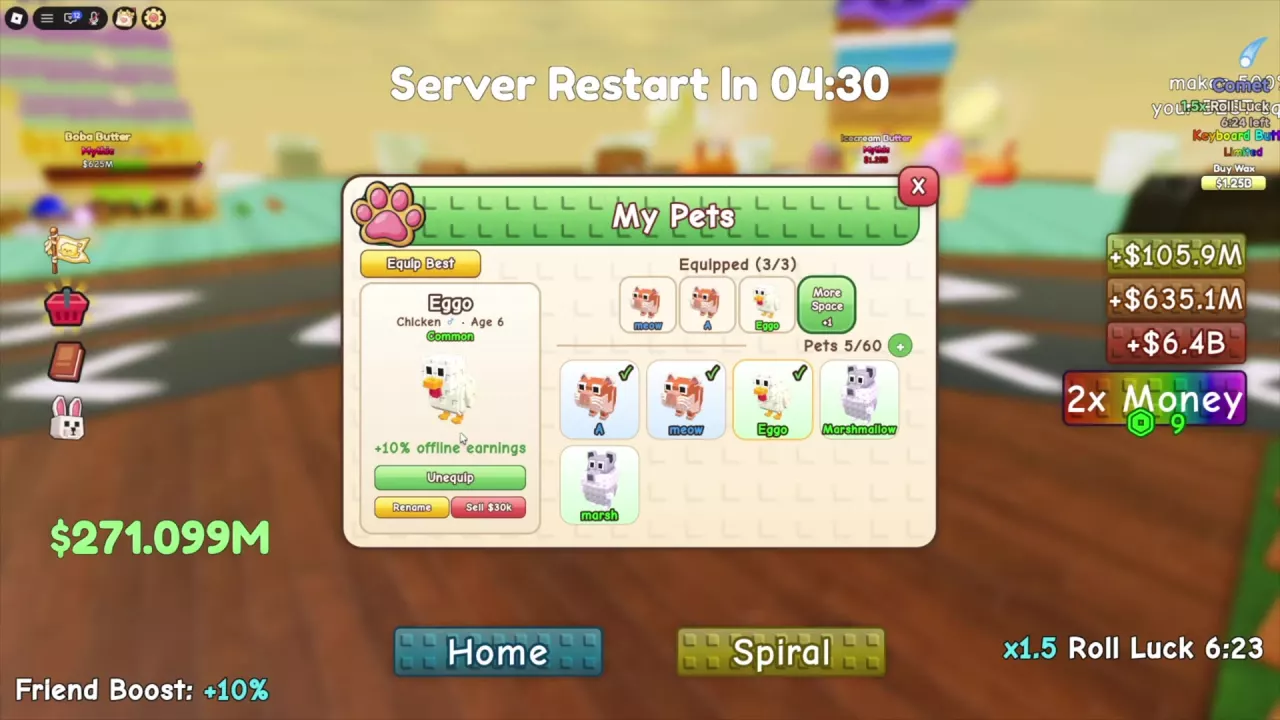
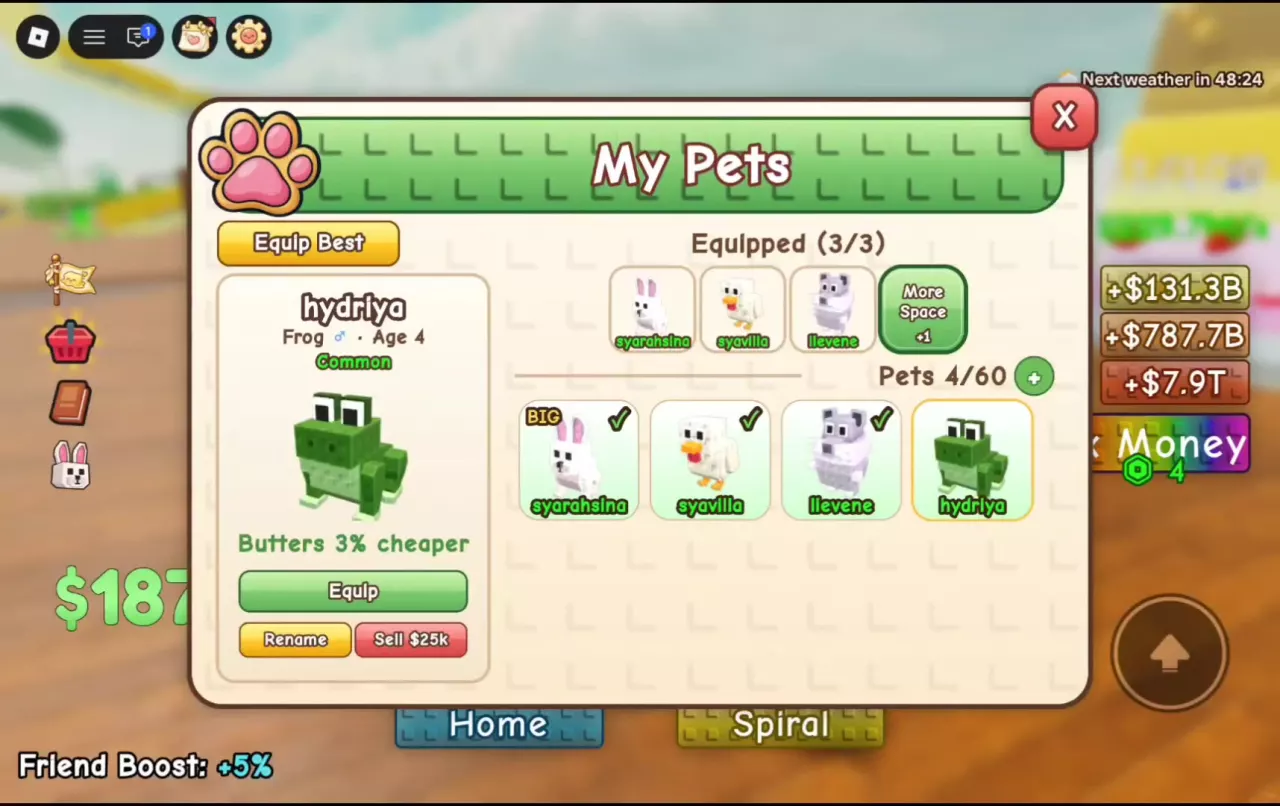
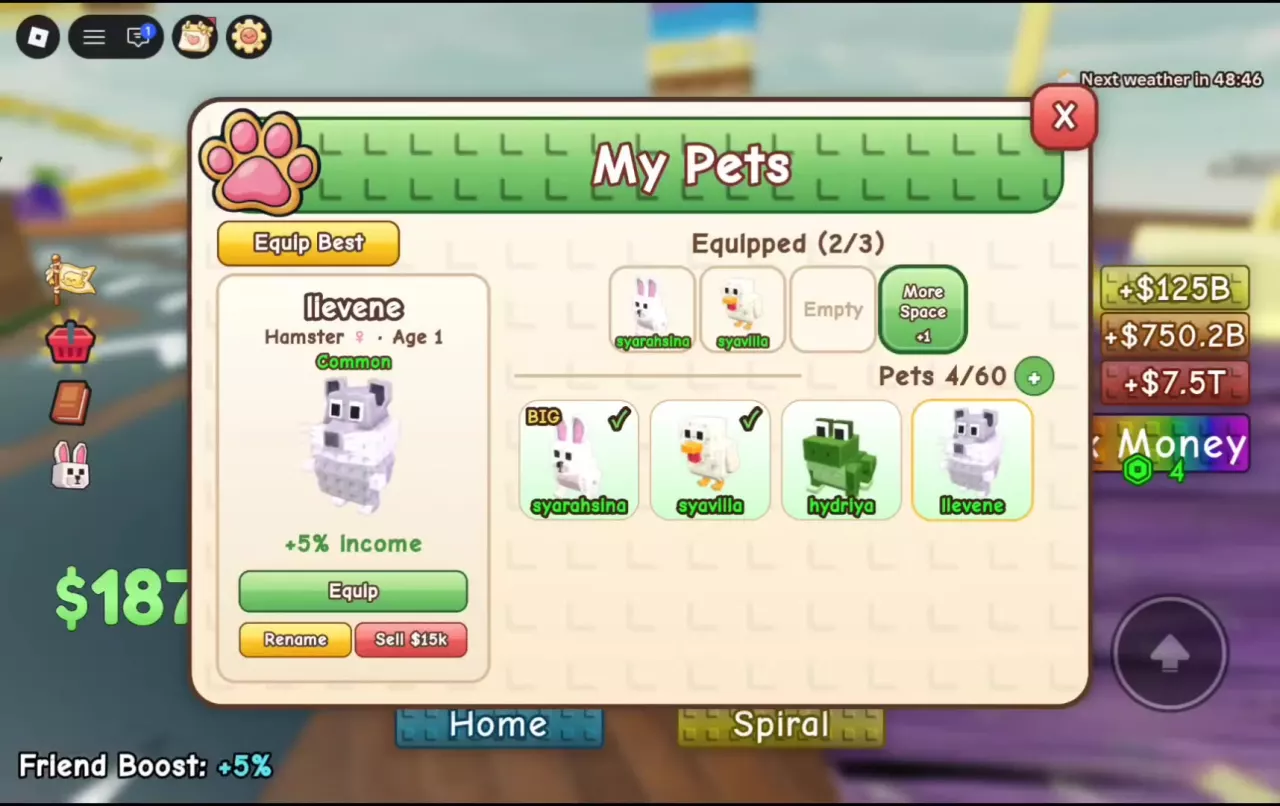
- Open My Pets and check the Equipped counter. Check marks identify pets already in your loadout.
- If you have an open slot, select the pet you want and press Equip. If the game says “All your pet slots are full!”, select an equipped pet and press Unequip first.
- Select the replacement and press Equip. The new pet joins your following group.
For example, in a three-slot loadout, removing Frog changes the counter from 3/3 to 2/3. Equipping Hamster brings it back to 3/3.
Equip Best selects a loadout in one action. You can also choose pets manually to suit what you are doing: Frog’s Butter discount, for example, serves a different goal from Owl’s luck on every tenth pull. See the best pets by goal for loadout suggestions.
Pet Storage and Equipped Slots
Pets counts your owned pets against your storage capacity; Equipped counts the pets in your active loadout. For example, Pets 5/60 and Equipped 3/3 mean five pets are owned, with three currently equipped. Replacing one pet does not change the number owned.
Use the + beside Pets to access the inventory-space entry. The More Space +1 entry is beside the equip area.
| Product | Listed benefit | Price or status |
|---|---|---|
| +50 Pet Inventory | Space for 50 more pets | 120 Robux |
| +100 Pet Inventory | Space for 100 more pets | 280 Robux |
| +2 Pet Equip | Two additional equipped pets | Not for sale |
| +4 Pet Equip | Four additional equipped pets | Not for sale |
Inventory space lets you keep more pets; equip space increases how many can be in your loadout. Compare the other available benefits in the game pass guide.
Name Pets and Read Their Sell Quotes
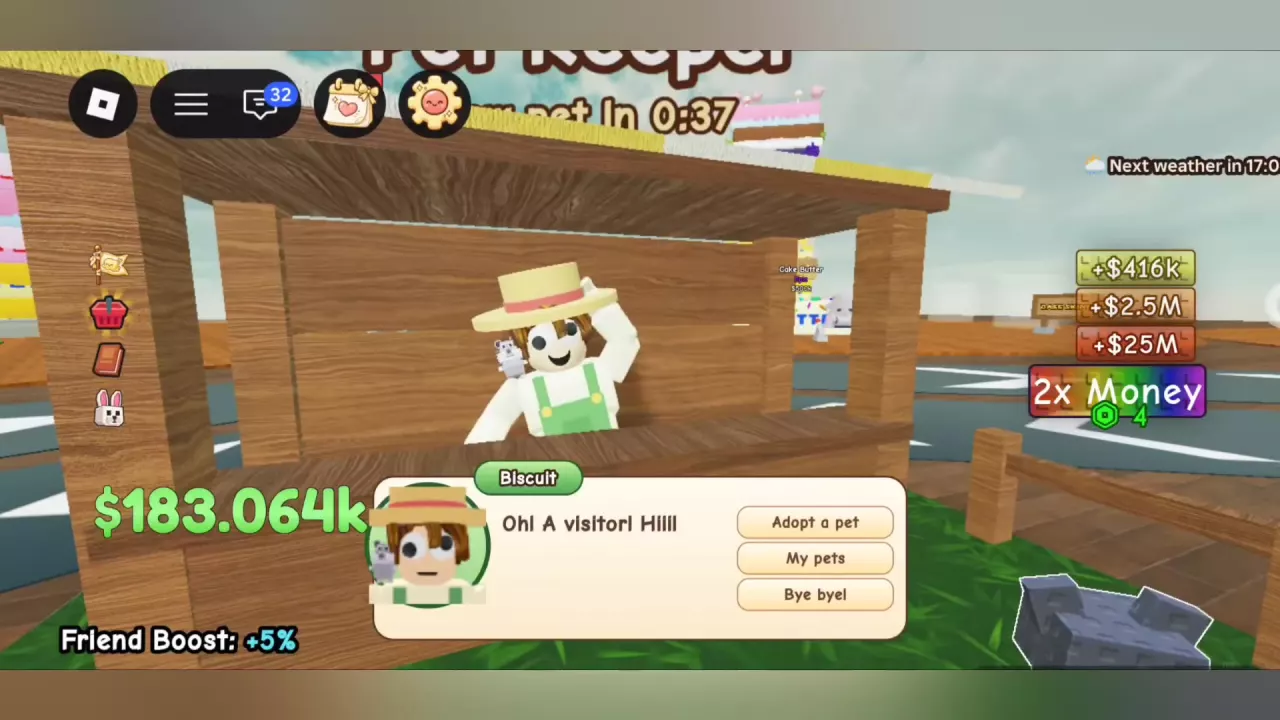
When you adopt a pet, enter a name in the naming window and press Save, or choose Later to postpone it. The first naming is free. To rename an owned pet, open My Pets, select that individual and choose Rename. A custom name identifies the individual; its species remains the same.
The selected pet’s panel also has a Sell button showing its cash quote. Read the amount for that individual before choosing Sell. For example, an Age 1 Owl has shown a $70M quote, while an Age 5 BIG Bunny has shown $40k. These are quotes for those individual pets, not fixed prices for every Owl or Bunny.
For species abilities and adoption prices, see the pet guide.
Age, BIG and Duplicate Pets
Select a pet in My Pets or approach it to read its Age alongside its ability. A pet’s displayed ability does not necessarily increase when its Age rises: one Frog keeps its 3% Butter discount at Ages 4 and 5, and Hamsters have displayed +5% Income at several ages.
BIG can appear on an individual pet’s card. One BIG Bunny at Age 5 has a description of much better luck every twentieth pull. Read the ability on the individual card when deciding which pet to use.
You can equip more than one pet of the same species if you have enough slots. For example, two Guinea Pigs can share a three-pet loadout with a Chicken. Each Guinea Pig’s description says +10% Income, while the Chicken’s says +10% offline earnings; those descriptions do not establish a combined percentage for the loadout.