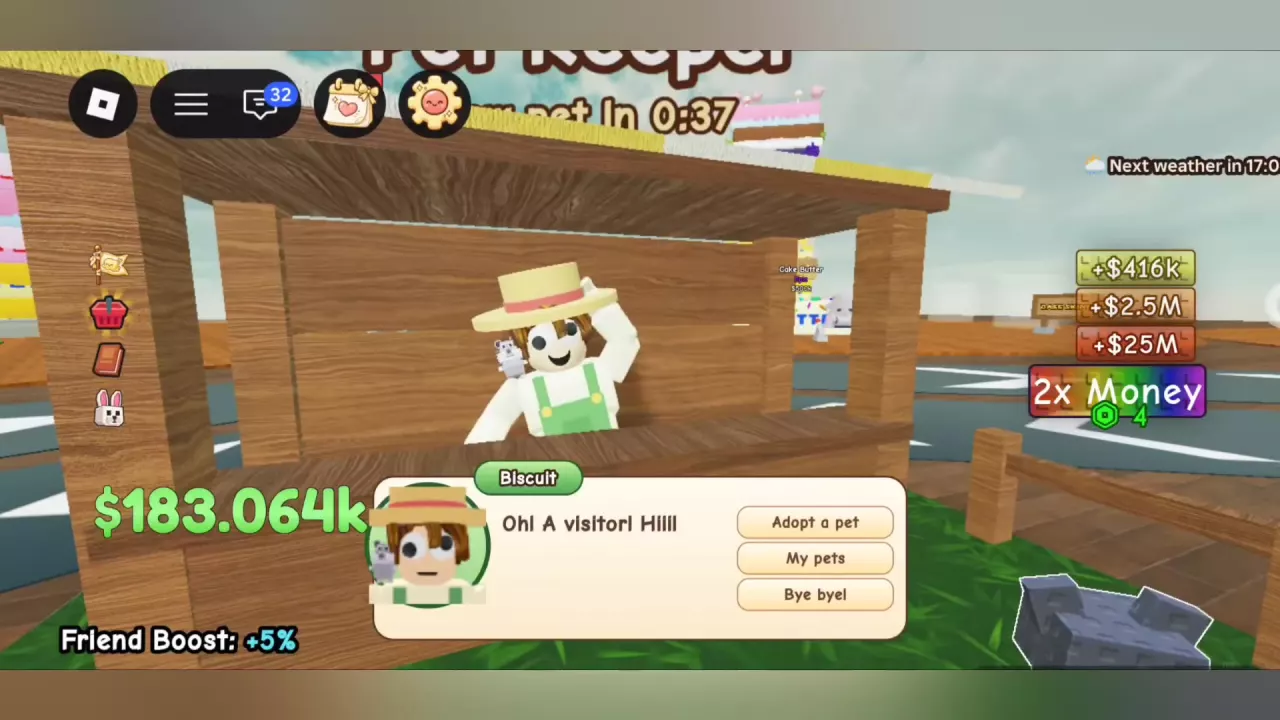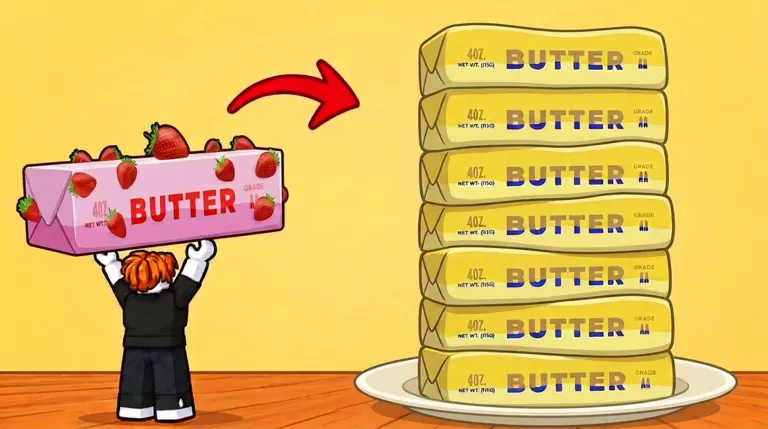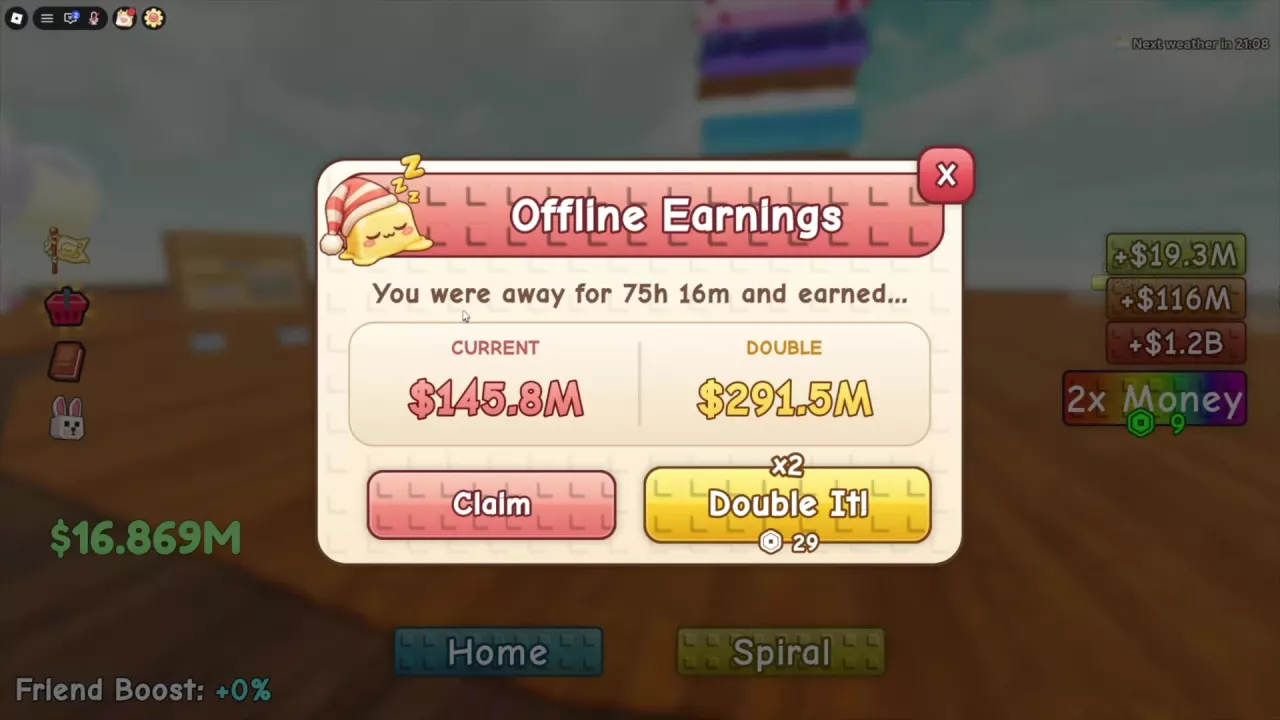
Place Squishy, Buy Wax and Finish Wax
| Interaction | Where to use it | What it does |
|---|---|---|
| Place Squishy | An empty station you own, while carrying a butter | Starts that butter's pour |
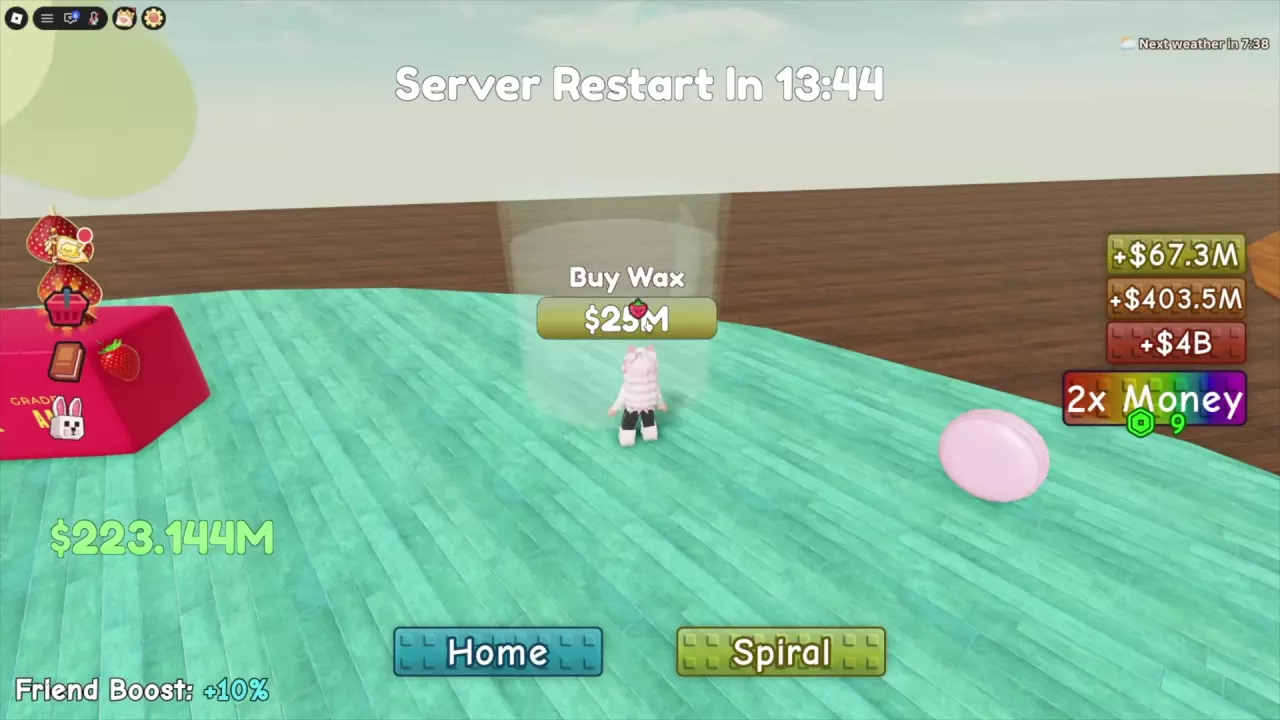
| Buy Wax | An unpurchased station position | Buys another processing station |
| Finish Wax | A station with an active countdown | Opens a purchase option to finish that pour immediately |
Start a pour
- Carry your butter to an empty Wax Station you already own.
- Use Place Squishy. On keyboard, press E when the prompt appears.
- Look for the butter beneath the tilted cup and a countdown above it. The station now offers Finish Wax because processing is underway.
- Let the countdown finish. The butter automatically jumps onto your plate, joins your stack, and contributes income.
You can leave the station to collect cash or keep rolling while wax pours. Each station holds one butter and runs its own countdown, so another purchased station can process a second butter at the same time. Pouring material can also match the butter's color—for example, Chocolate Butter receives brown material.
Wax continues pouring while you are out of the game. Start your longer pours before leaving; the offline earnings guide covers preparing for a break and collecting money when you return.
If every station is occupied, wait for one to finish or expand through Buy Wax. See Wax Station costs and Floor 2 requirements for the purchase sequence and budget.
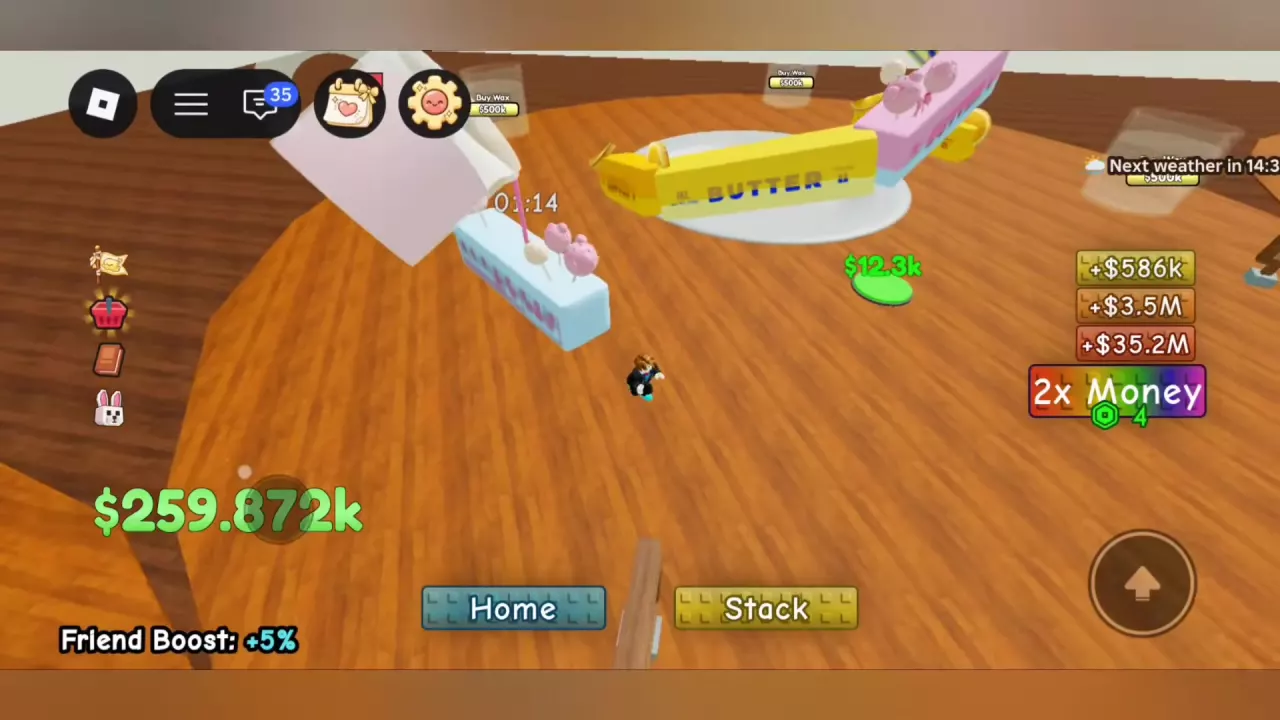
Read Wax Timers and Plan Your Queue
Read the countdown above each station for its remaining wait. A timer partway through a pour is not its full processing time. Use the following individual pour examples as planning references, with speed effects and help taken into account.
| Butter | Example time | Timing condition |
|---|---|---|
| Sugar, Peanut | About 15 seconds | Sugar began near 15 seconds; Peanut displayed 00:14 just after starting |
| Blueberry, Cake Pop | About 1 minute 15 seconds | Blueberry displayed about 01:14–01:15 after placement; Cake Pop about 01:13–01:14 |
| Strawberry | 1 minute 12 seconds remaining | The pour was already running |
| Orange, Grape, Macaron, Muffin | About 6 minutes | Near-start readings included Orange 06:14, Grape 06:08, Macaron 06:14, and Muffin 06:15 |
| Dubai, Gummy, Tanghulu, Cookie, Spicy | About 31 minutes | Placement examples; Dubai displayed about 31:15 and Cookie about 31:14 before that player's Fast Wax purchase |
| Blossom | Roughly half an hour | Estimated wait for a newly started pour |
| Boba, Royal | About 53 minutes | Boba displayed about 53:20 after placement; Royal about 53 minutes |
| Icecream, Mozzarella | About 35 minutes | Fast Wax was owned in this setup; Icecream's time was an estimate, and Mozzarella's reading was before help |
| Matcha | Roughly 1 hour | Estimated wait for a newly started pour |
| Keyboard | 00:15, decreasing to 00:04 | A seconds-long countdown example |
For a short pour, collecting cash and rolling again can fill the wait without spending Robux. With several empty stations, start longer pours early and use the other stations for additional butters. If all stations are occupied, compare their current timers: a nearly finished pour may free a slot soon even if that butter originally needed much longer.
Choose How to Reduce the Wait
| Option | Effect | Best fit |
|---|---|---|
| Finish Wax | Immediately completes one selected pour after payment | One long wait you want to skip now |
| Free Finish Wax | Guild Shop reward that finishes one pour | Spending Guild Points on a single completion |
| Fast Wax | Permanently makes waxing 50% faster; listed at 249 Robux | Repeated processing over many sessions |
| Super Fast Wax | Permanently makes waxing 100% faster; replaces Fast Wax rather than stacking with it | A stronger permanent speed effect; unavailable for purchase |
| Koala | Removes 20 seconds of wax time every 2 minutes; this ability appears on a Rare, male, Age 25 Koala | Periodic reductions during longer waits |
| Speedy Wax | Adds 20% pour speed for a limited duration | A session with ongoing processing |
| Player help | Shortens an active pour's countdown | Cooperative processing without a Finish Wax purchase |
| Another Wax Station | Adds a separate simultaneous pour | Several butters waiting for space |
The speed percentages describe faster pouring, not an equal percentage removed from the timer. Extra stations increase capacity; they do not make an individual pour faster.
Guild Points options
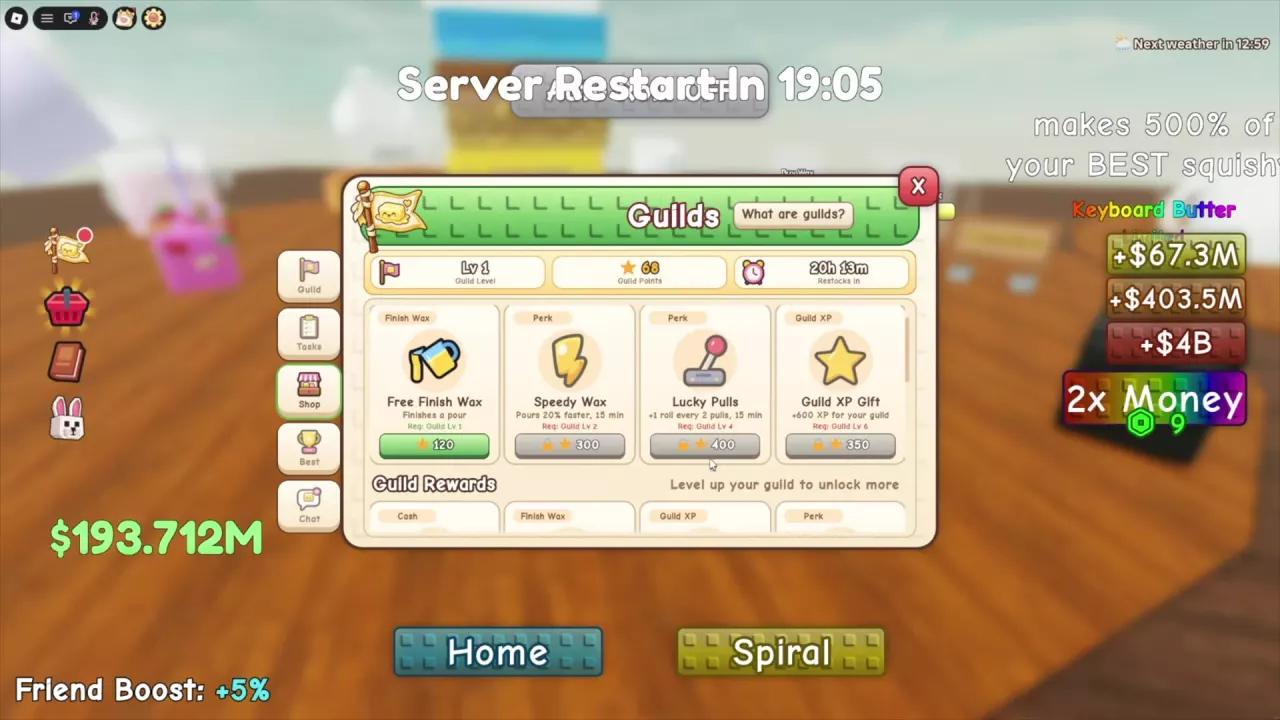
The Guild Shop has separate offers with different requirements:
| Reward and shop section | Required Guild Level | Cost | Effect or duration |
|---|---|---|---|
| Free Finish Wax — upper shop section | 1 | 120 Guild Points | Finishes one pour |
| Free Finish Wax — Guild Rewards section | 1 | 150 Guild Points | Finishes one pour |
| Speedy Wax — upper shop section | 2 | 300 Guild Points | +20% pour speed for 15 minutes |
| Speedy Wax — Guild Rewards section | 3 | 250 Guild Points | +20% pour speed for 10 minutes |
For one urgent butter, Free Finish Wax directly removes the wait. For continued processing, Speedy Wax gives a temporary speed benefit. If both Free Finish Wax offers are available to you, the 120-point offer costs less for the same one-pour result. For Speedy Wax, the upper offer costs 50 more points but lasts five minutes longer and has a lower level requirement. See the Guild Shop guide to compare these purchases with other rewards.
Match the option to your bottleneck
- A short countdown: Wait and do another activity. Spending on an immediate finish saves little time when only seconds remain.
- One long pour blocking your next butter: Use a one-pour finishing option if freeing that station now matters more than the currency spent.
- Long waits across many sessions: Consider Fast Wax for its permanent speed benefit. Compare it with other purchases in the game pass guide.
- Long pours and a pet slot to use: Koala offers periodic time reductions. Use the pet abilities and adoption guide to plan the purchase.
- Several butters waiting for a station: Buy more stations so processing can overlap. A speed boost helps waiting time, but another station directly addresses the lack of space.
Finish One Pour Immediately
Use Finish Wax on the butter whose remaining wait you want to remove.
- Approach that butter while its wax countdown is still running.
- Press E Finish Wax to open the purchase dialog.
- Read the displayed Robux price and any discount, then choose Buy if you want to pay it.
- After successful payment, the selected pour finishes, the butter joins your stack, and its station becomes available again.
Finish Wax prices
| Purchase offer | Payment |
|---|---|
| Dialog offering Finish Wax for 10 Robux | 10 Robux |
| Offer with a 25 Robux base price | 25 Robux before a discount |
| That 25 Robux offer with the displayed Plus discount | 20 Robux, saving 5 Robux |
Use the price in your purchase dialog when deciding. Opening the dialog does not complete the pour, and closing it without payment leaves the countdown running. A purchase applies to one selected pour, so it does not clear every active station.
Free Finish Wax is a separate Guild Shop reward purchased with Guild Points. Its offers and requirements are listed in Choose How to Reduce the Wait.

Help a Pour and Thank Helpers
Help another player's butter
- Go to another player's station with a pour still in progress.
- Approach the butter and press E Help.
- Look for You helped! and a yellow heart. Successful help reduces the selected pour's remaining countdown.
- Move to another active pour to help there too.
A previously helped pour can become eligible for another successful help. Return to its Help interaction when it is available. Use the updated countdown to judge the remaining wait rather than assuming every help removes the same amount of time.
When another player helps your pour, a notification names the helper. You can keep collecting cash or rolling while processing continues.
Thank your helpers
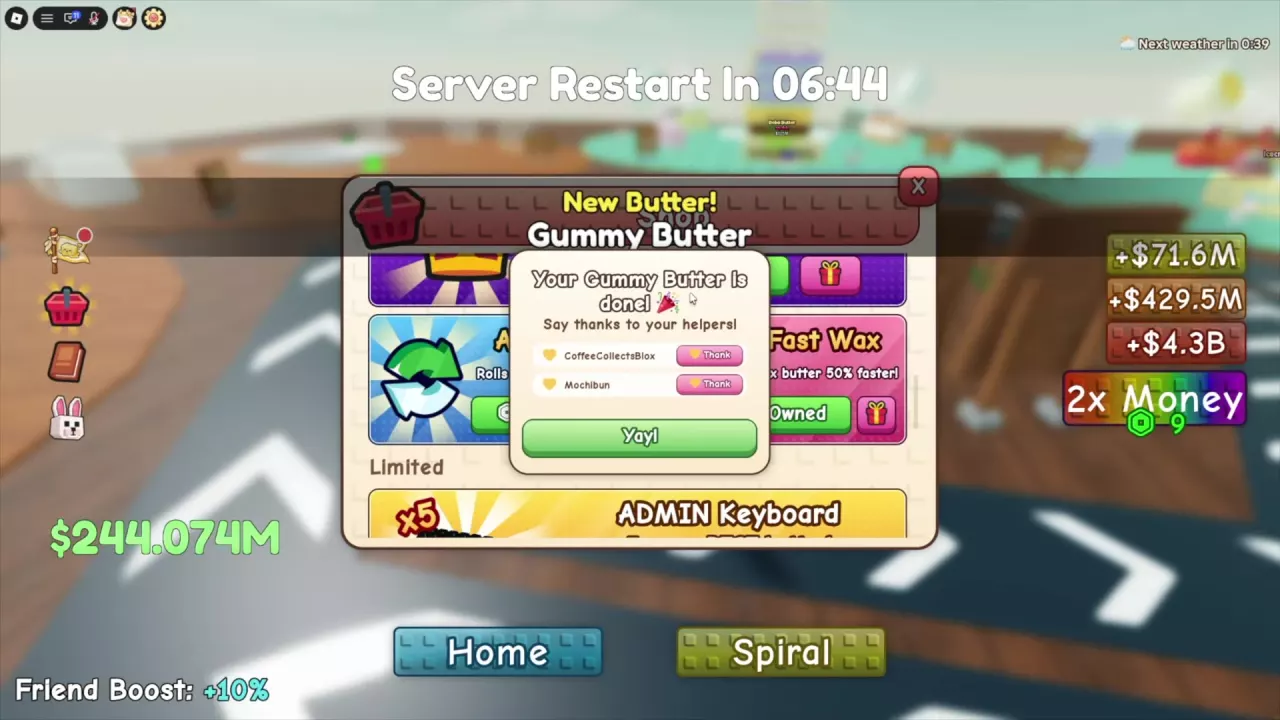
When your helped butter finishes, its completion window can list the players who assisted:
- Click Thank beside a helper's name.
- Confirm that the button changes to Thanked.
- Thank each remaining helper separately.
- Click Yay! to close the window.
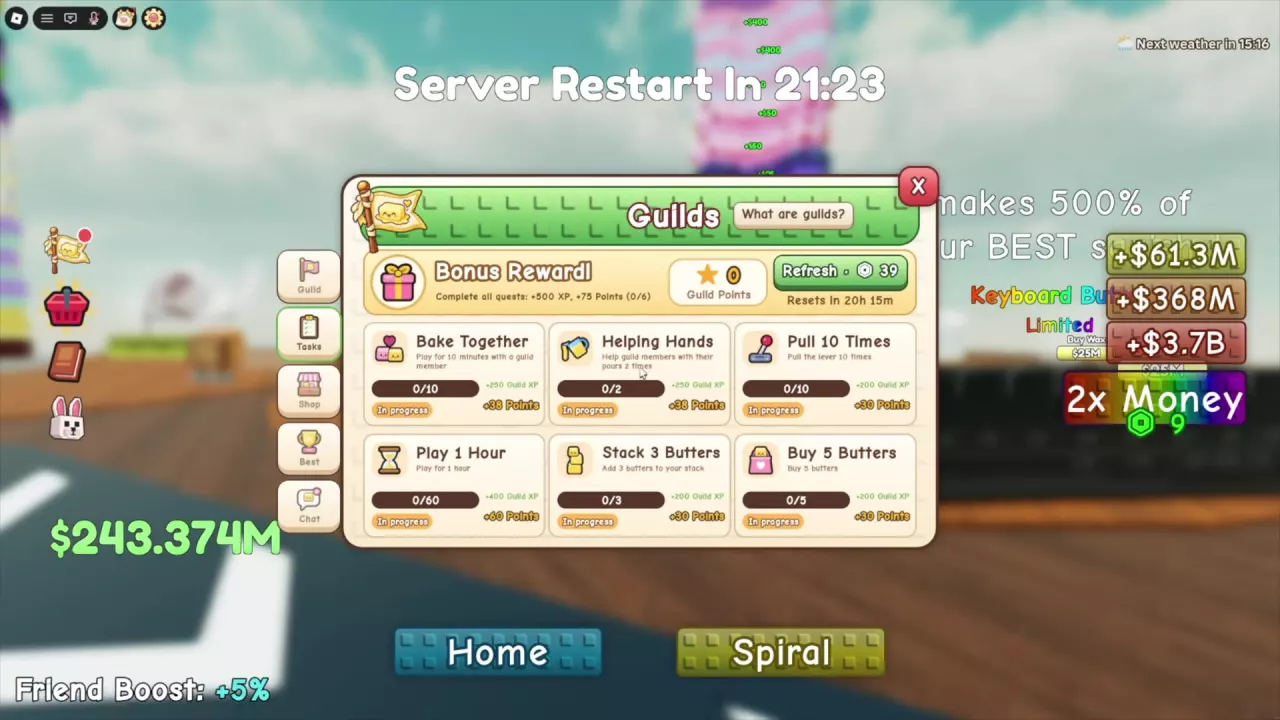
For the Helping Hands guild task, help guild members' pours twice. Follow the guild tasks and points guide for the task route and rewards.