Stack A Butter Squishy Wiki
RobloxSimulation

Stack A Butter Squishy Wiki

Last updated:

Stack A Butter Squishy is a Roblox collecting game where you roll butter squishies, wax them and build an income-producing stack. Find butter and pet stats, crate odds, upgrades and guild rewards.

Stack A Butter Squishy official artwork

Game overview

Genre
Simulation
Visits
39M+
Favorites
1M+
Creator
Team Lychee!
Release date
2026-08-06
Game updated
2026-11-08

Codes

No codes are currently listed.

The full collection

Explore codes & rewards

Browse all listed codes, check rewards and requirements, and follow the redemption guide.
Getting Started

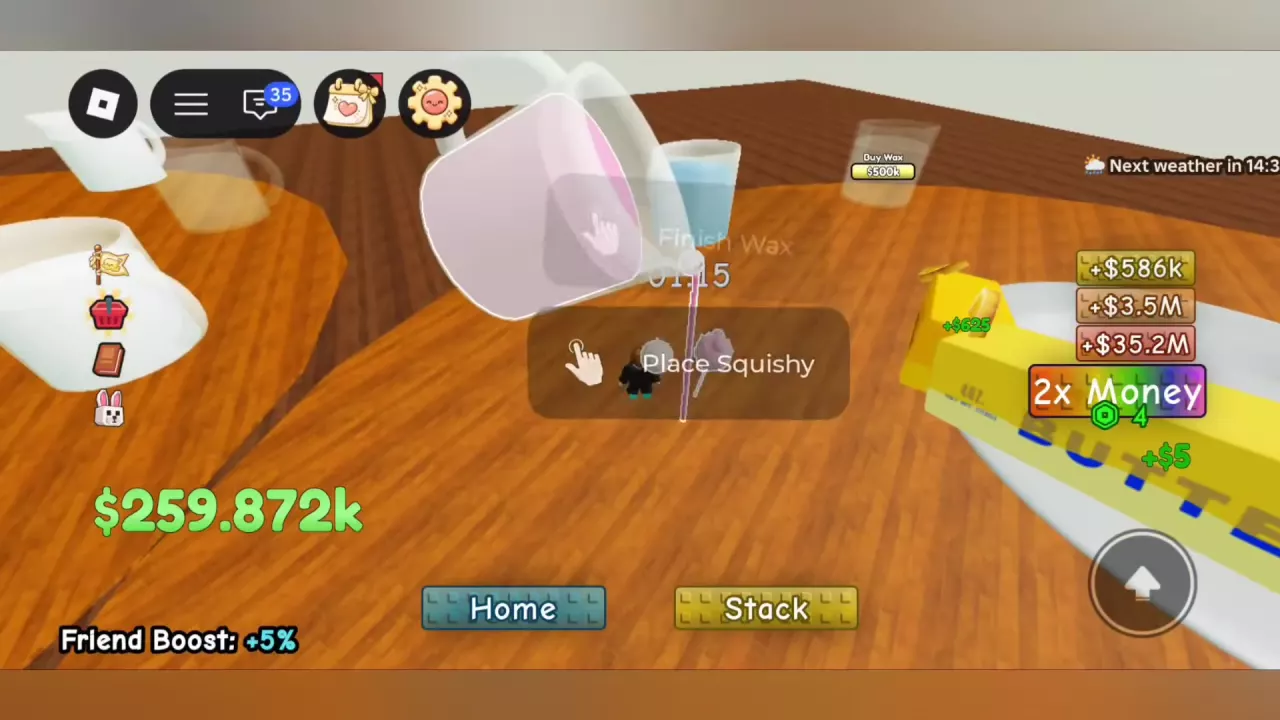
The Place Squishy prompt beside a Wax Station

Stack A Butter Squishy Beginner Guide

  1. Roll, then buy. Approach the lever and press E Roll Squishy. Rolling is free. Wait for the final result, then use Buy and pay its displayed cash price if you want to keep it.
  2. Wax your purchase. Carry it to an empty, purchased Wax Station and press E Place Squishy. When the countdown finishes, the butter automatically joins your plate and starts earning cash. Buying alone does not add it to the stack.
  3. Collect and reinvest. Walk onto the green pad beside your stack to move accumulated cash into your wallet. Use that cash for another butter or more processing capacity.

Butters

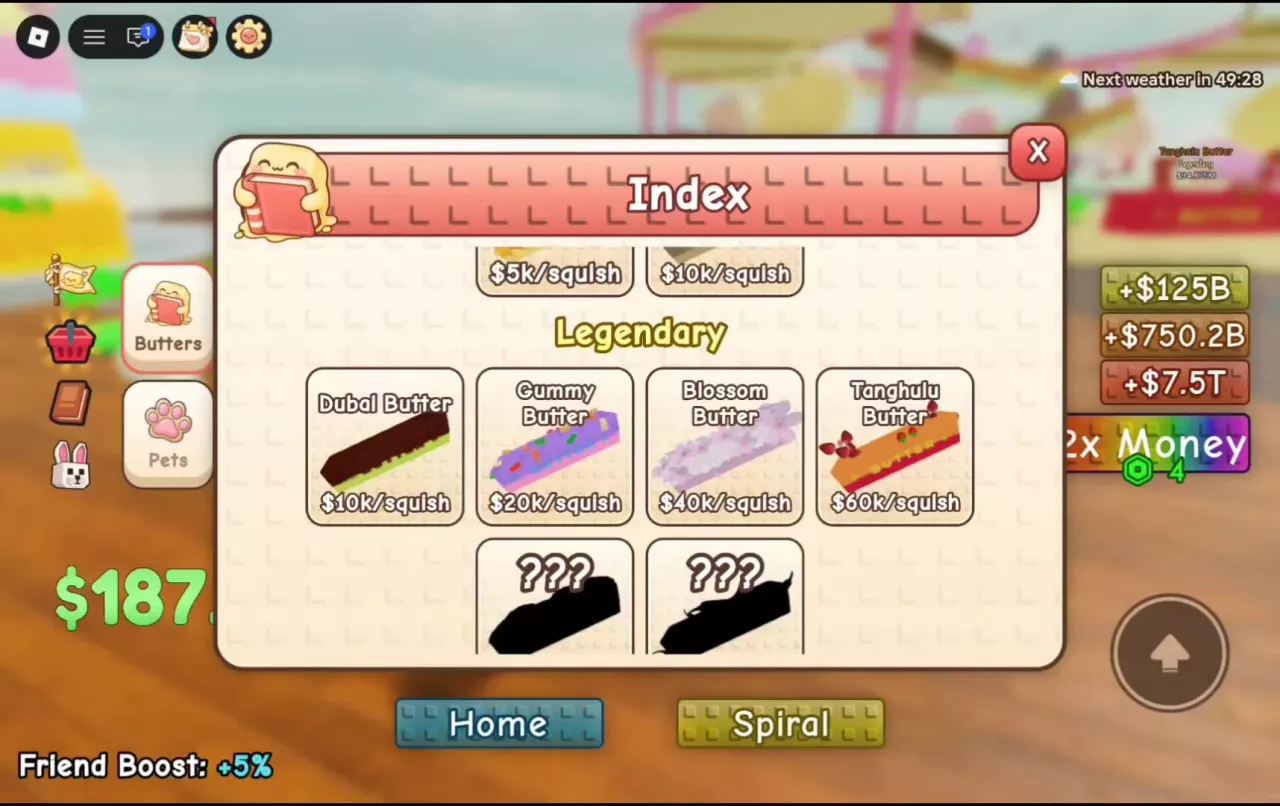
Butters Index with named Legendary entries and undiscovered question-mark silhouettes.

Stack A Butter Squishy Butter Index, Prices and Rarities

Rarity order: Common → Rare → Epic → Legendary → Mythic → Celestial → Divine. Limited is a separate label; Golden Glaze is a variant.

  • Find missing types: Open Index → Butters and look for question-mark silhouettes. Acquire a missing type, finish its waxing, then return to review your discoveries.
  • Count copies separately: Duplicate butters add individual stack entries and income. Index milestones count different butter types, so another copy does not fill a new type.
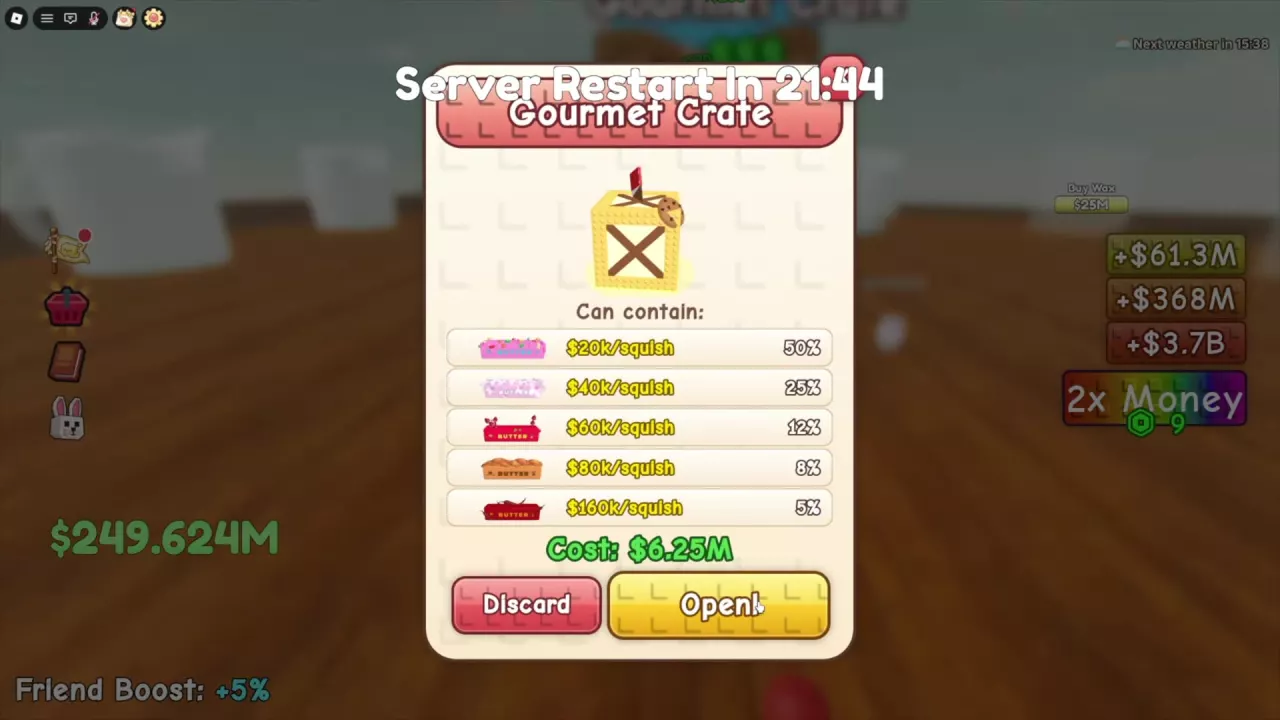
Gourmet Crate menu with reward chances, a 6.25M cash cost, and the Open button.

How to Get Legendary and Mythic Butters in Stack A Butter Squishy

Buy a final named result when you want a specific Legendary or Mythic. These cash offers give useful saving targets:

Butter Rarity Cash Buy offer
Cookie, ordinary Legendary $50M
Spicy Legendary $100M
Boba Mythic $625M
Matcha Mythic $10B

M means million; B means billion. Use your current Buy quote—lower offers can appear. Wait for the animation to settle before identifying the result; a flashing rarity label is not the final reward.

Keep an empty, purchased Wax Station available, or budget separately for another station if you choose to expand.

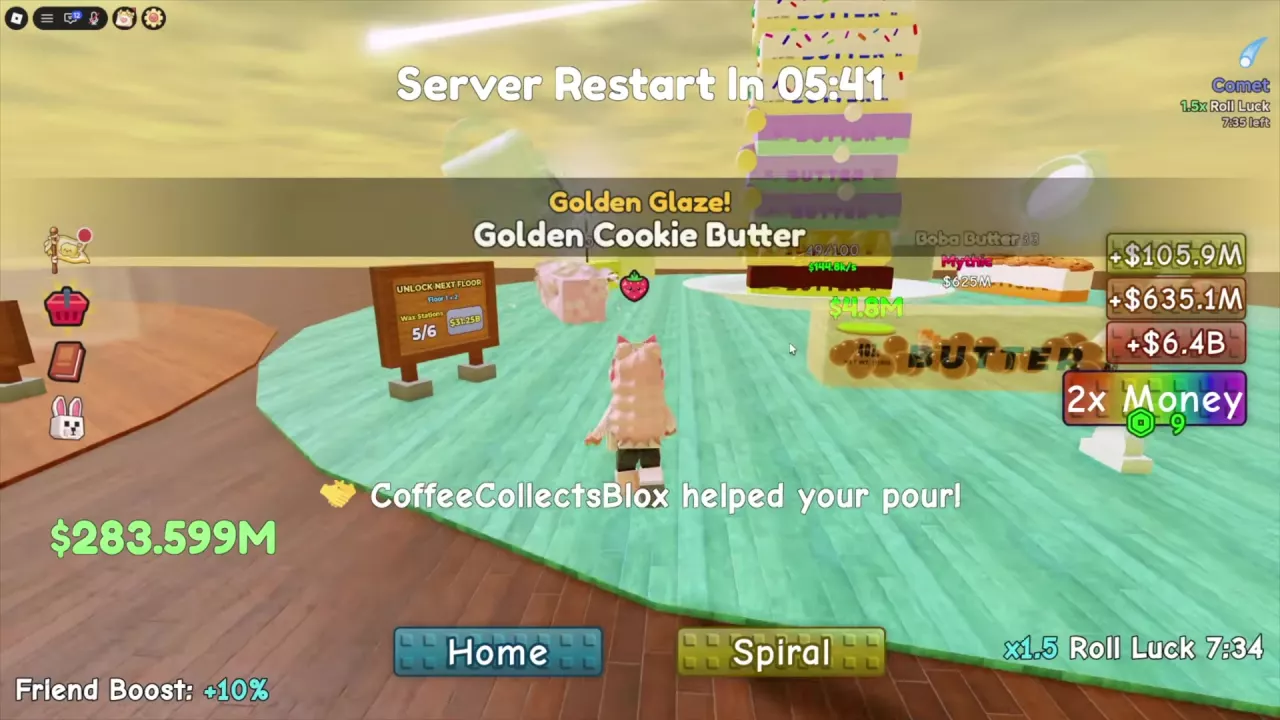
Golden Glaze notification naming Golden Cookie Butter

Golden Glaze and Golden Touch in Stack A Butter Squishy

Cookie Butter can finish waxing as Golden Cookie Butter. Look for “Golden Glaze! Golden Cookie Butter” and the Golden-prefixed name. Golden is the form; Cookie remains the underlying butter type.

Golden Touch: Open Guilds → Shop → Guild Rewards. The offer requires Guild Level 6 and 300 Guild Points, and provides the listed “+5% Golden butters” effect for 10 minutes while active.

Pets

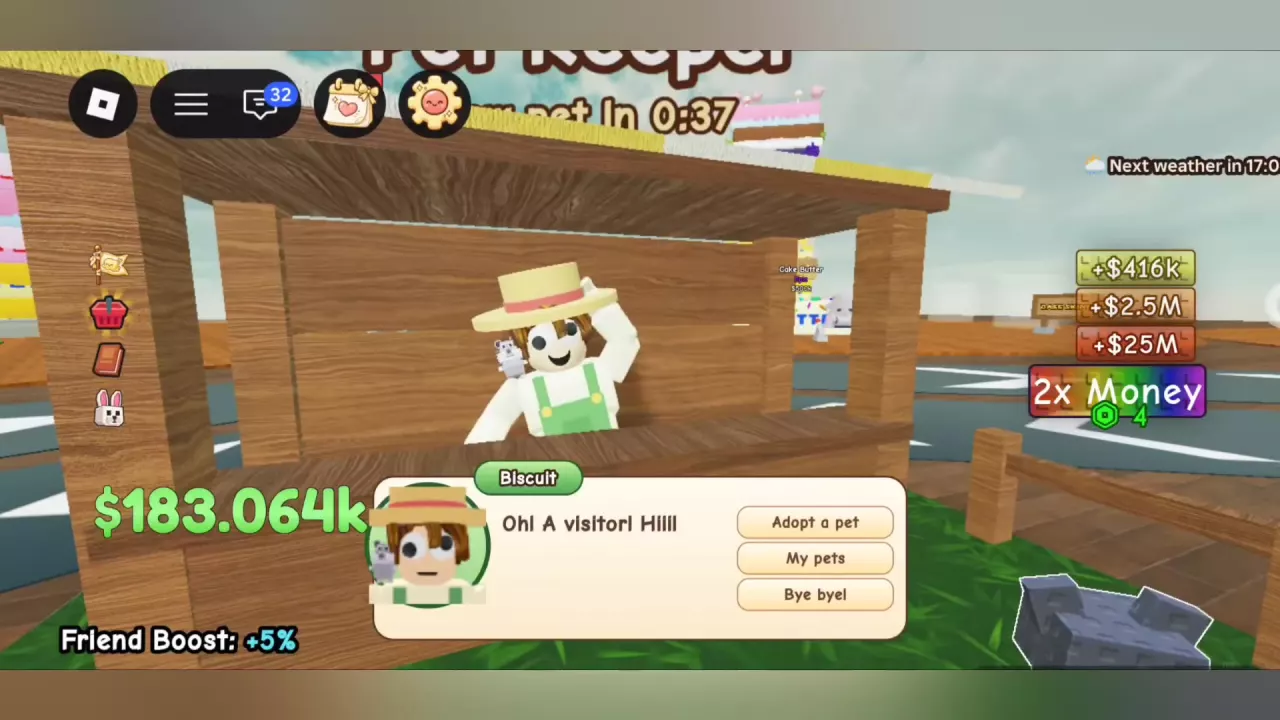
Biscuit's Pet Keeper menu with the Adopt a pet option

Stack A Butter Squishy Pets: Abilities, Prices and Adoption

  1. Visit Pet Keeper. Talk to Biscuit in the central area and choose Adopt a pet.
  2. Inspect and adopt. Approach a pet in the enclosure, read its ability and cash price, then use F Adopt when you can afford it.
  3. Name your new pet. The first naming is free. Choose Save, or Later to postpone naming; your new pet heads toward your plot.

Index → Pets browses species. My Pets shows the individual pets you own.

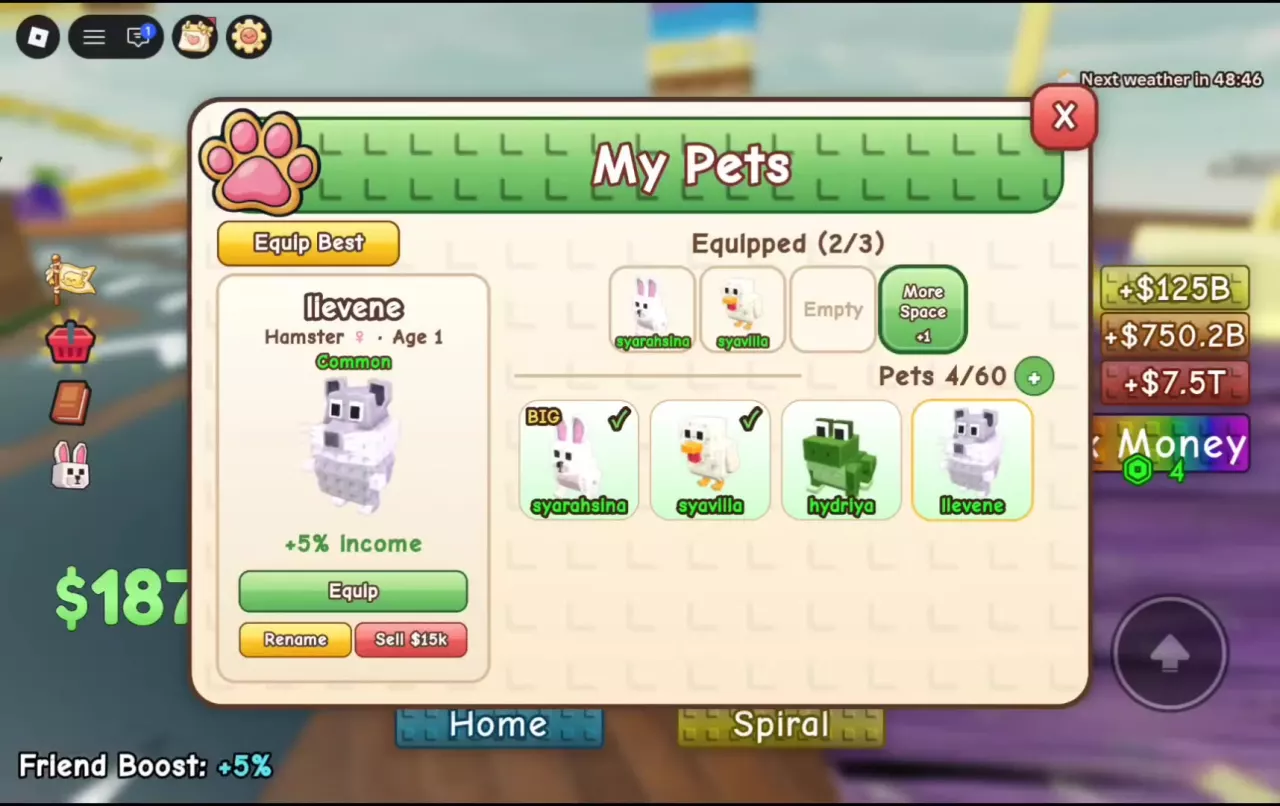
My Pets menu with an empty equip slot and a Hamster selected for equipping.

How to Equip, Rename and Manage Pets in Stack A Butter Squishy

Full equip slots: Open My Pets, select an equipped pet and press Unequip. Select its replacement and press Equip.

  • Pets: Your owned-pet count and storage capacity. Inventory upgrades let you keep more pets.
  • Equipped: Your active loadout count and equip limit. Extra storage does not add equip slots.
  • Names and selling: A custom name identifies an individual, not a species. Select that individual to access Rename or read its Sell quote; the quote belongs to that pet and its configuration.

Crates

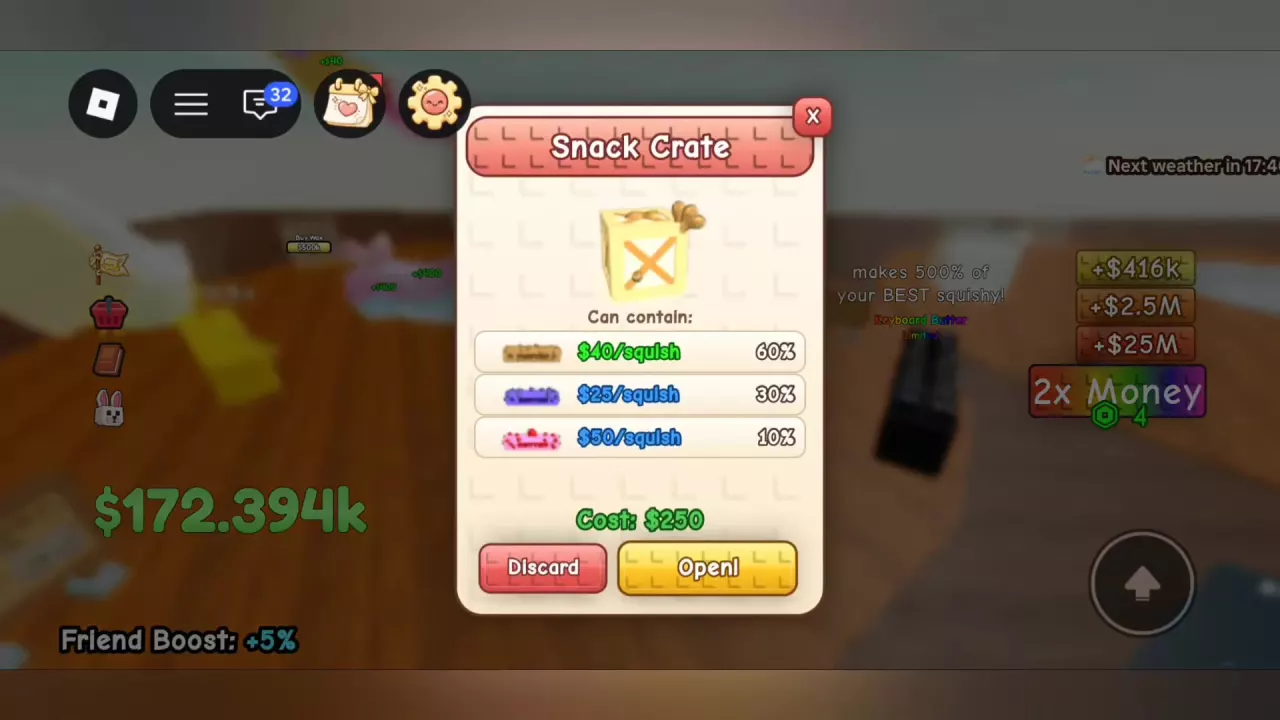
Snack Crate preview with three reward chances, a $250 cost and the Open button.

Stack A Butter Squishy Crates: Costs, Rewards and Best Uses

A crate opening buys a random butter, not your choice of reward. Approach a rolled crate and use Open to inspect its fee and reward pool before selecting the paid opening.

Crate Cash opening fee
Snack FREE when marked FREE; otherwise a $250 offer
Berry $2.5k
Bakery $125k
Gourmet $6.25M; some menus display $6.2M
Royal $625M
Divine $781.25B

Here, k = thousand, M = million, B = billion.

Royal rewards: Each opening has a 50% Icecream chance and 25% Mochi chance, with other results also possible. These are chances inside the crate, not lever-roll odds. Prefer an available named Buy result when securing one specific butter matters most. Crate-awarded butters still need waxing.

Tier Lists

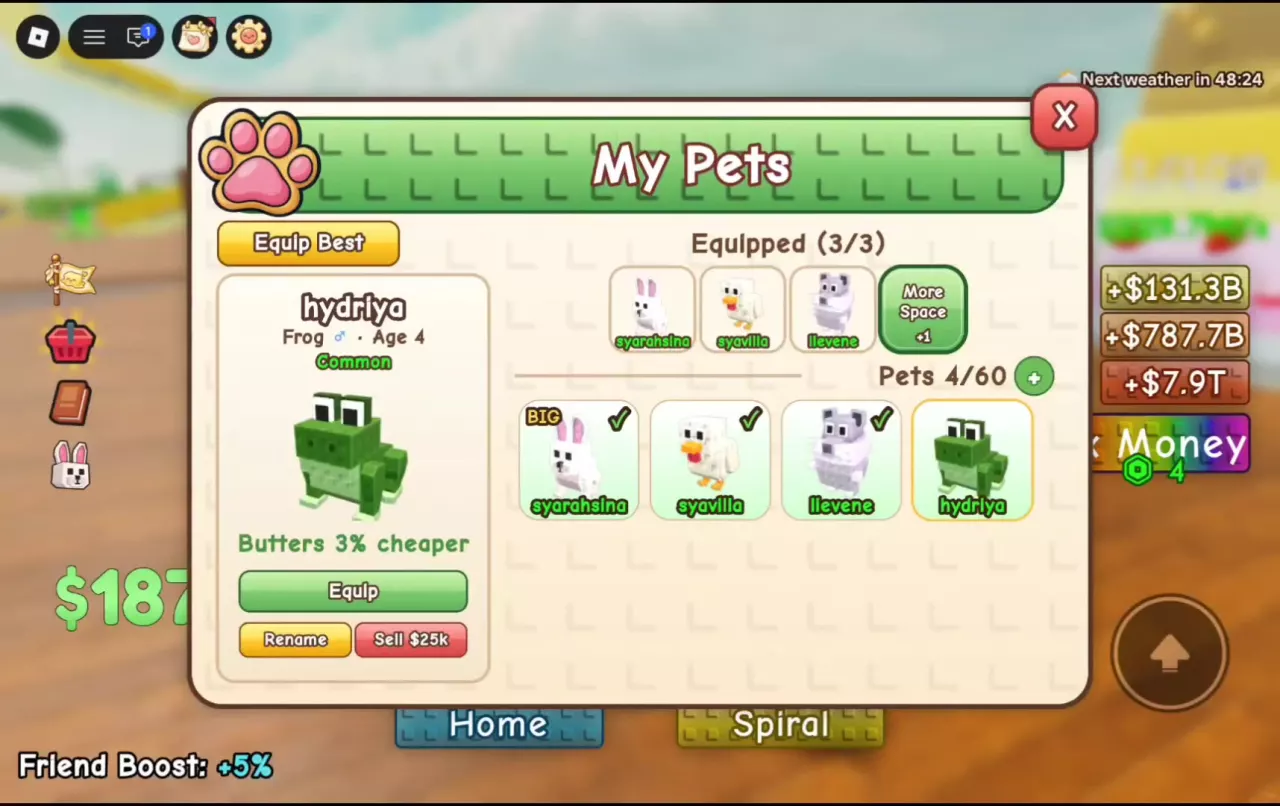
My Pets menu with three occupied equip slots, equipped check marks, and Frog selected beside the Equip button.

Best Pets by Goal in Stack A Butter Squishy

For Income, weigh adoption cost against the bonus from one equip slot.

Pet Cash adoption price Income ability
Hamster $150k +5%
Guinea Pig $12.5M +10%
Capybara $350M +20%

Hamster fits a smaller budget; Capybara provides the largest single-pet Income bonus among these three at a much higher cost.

  • Offline earnings — Chicken: +10% offline earnings.
  • Butter purchases — Frog: Butters cost 3% less.
  • Periodic luck — Bunny or Owl: Bunny improves luck every 20th pull; Owl gives much better luck every 10th and costs $700M. The shorter interval describes trigger frequency, not double the reward probability.
  • Crate hunting — Cow: Costs $18M and increases the chance of getting crates.
  • Waxing waits — Koala: Costs $25M and removes 20 seconds of wax time every two minutes.
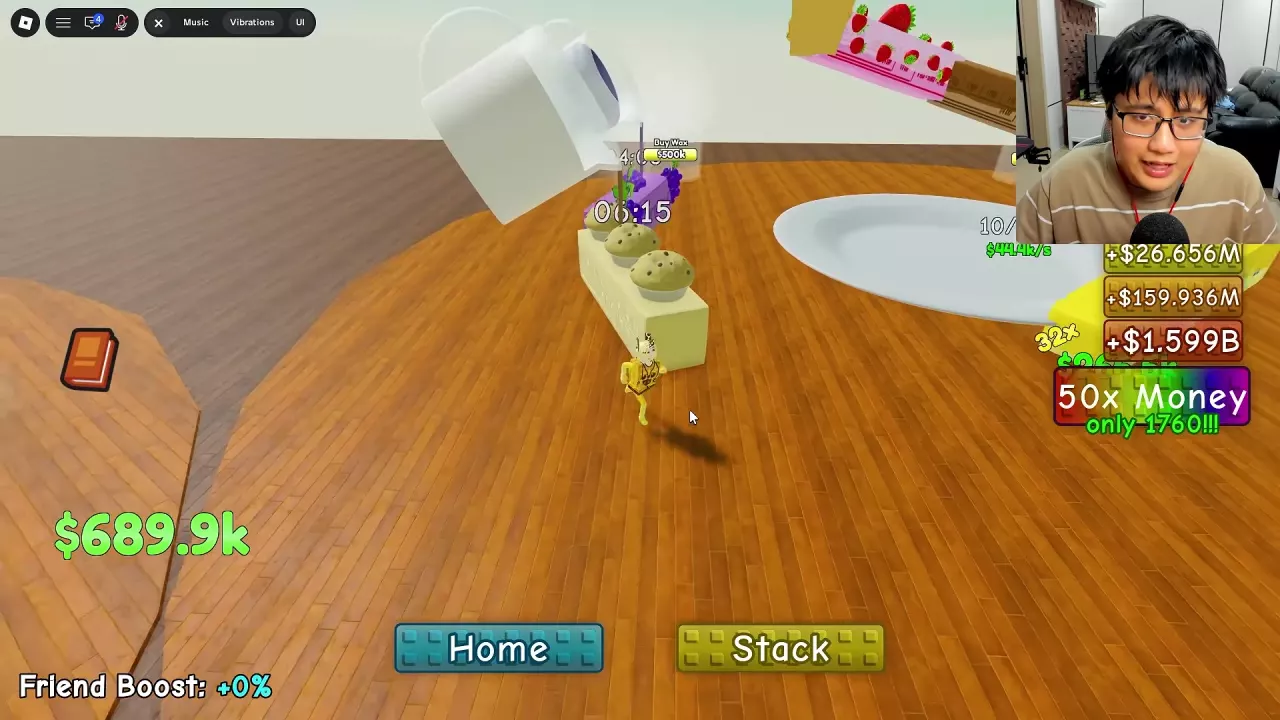
Muffin Butter at a wax station with a 06:15 countdown and another butter processing behind it.

Best Butters for Money by Budget in Stack A Butter Squishy

Higher rarity does not always buy more output. Compare these cash offers using the same per-squish unit:

Butter Cash Buy offer Cash per squish
Peanut $400 $40
Blueberry $2.5k $25
Muffin $2M $10k
Dubai $6.25M $10k

Small budget: Peanut gives more output for less cash than Blueberry at these offers.

Million-cash budget: Muffin matches Dubai’s listed output for a lower purchase cost. Use the current Buy quote and keep room in your wax queue.

Per-squish output is not cash per second; these figures do not give a payback time in seconds.

Rolling & Luck

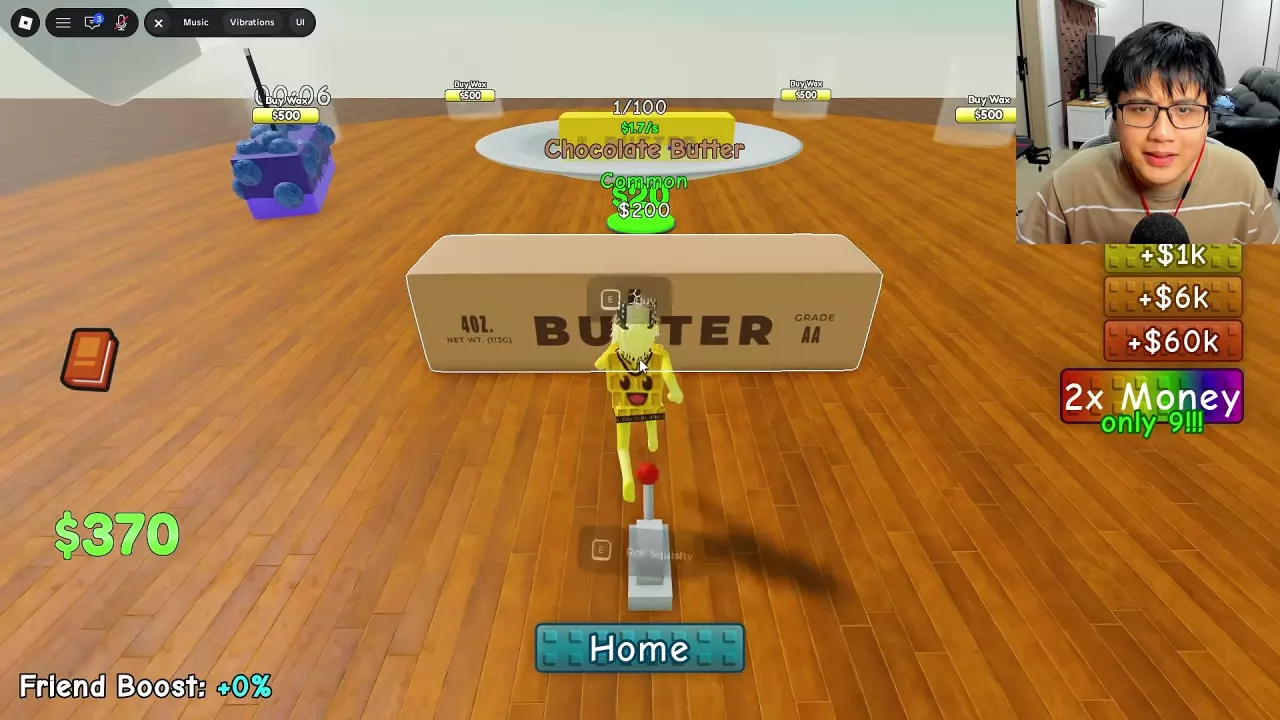
Chocolate Butter's final Common result with its $200 price and Buy prompt beside the lever.

Rolling, Luck Boosts and Comet in Stack A Butter Squishy

  • Identify the final result: Wait for the name, rarity and price to settle. Mythic flashing during the animation does not mean you rolled a Mythic. You can keep rolling without buying an unwanted butter.
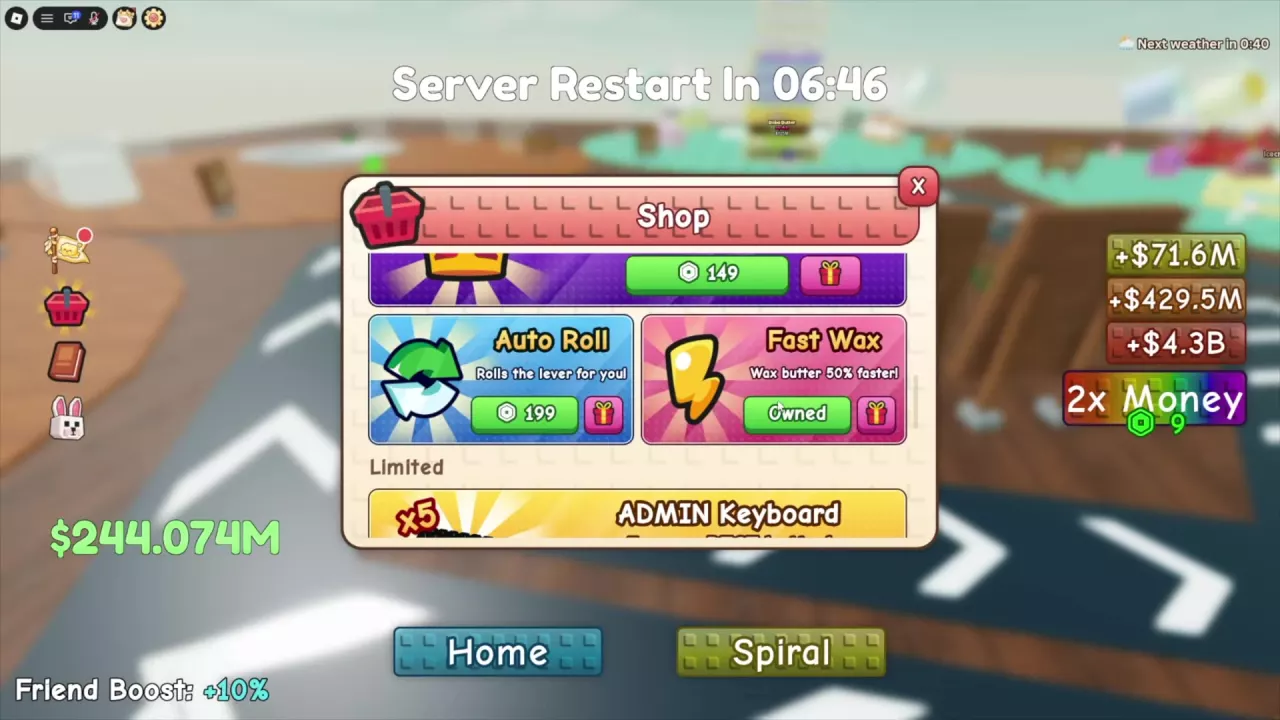
  • Automate pulls: The 199-Robux Auto Roll pass pulls the lever automatically and stops at your selected rarity.
  • Use Comet’s window: Active Comet weather provides 1.5× Roll Luck. Prioritize rolling during its remaining countdown; that reading is time left, not a fixed total duration.
  • Read lucky-pull feedback correctly: Extra chances and a Best of count do not guarantee Mythic. They describe the current pull rather than a guaranteed rarity.

Waxing & Expansion

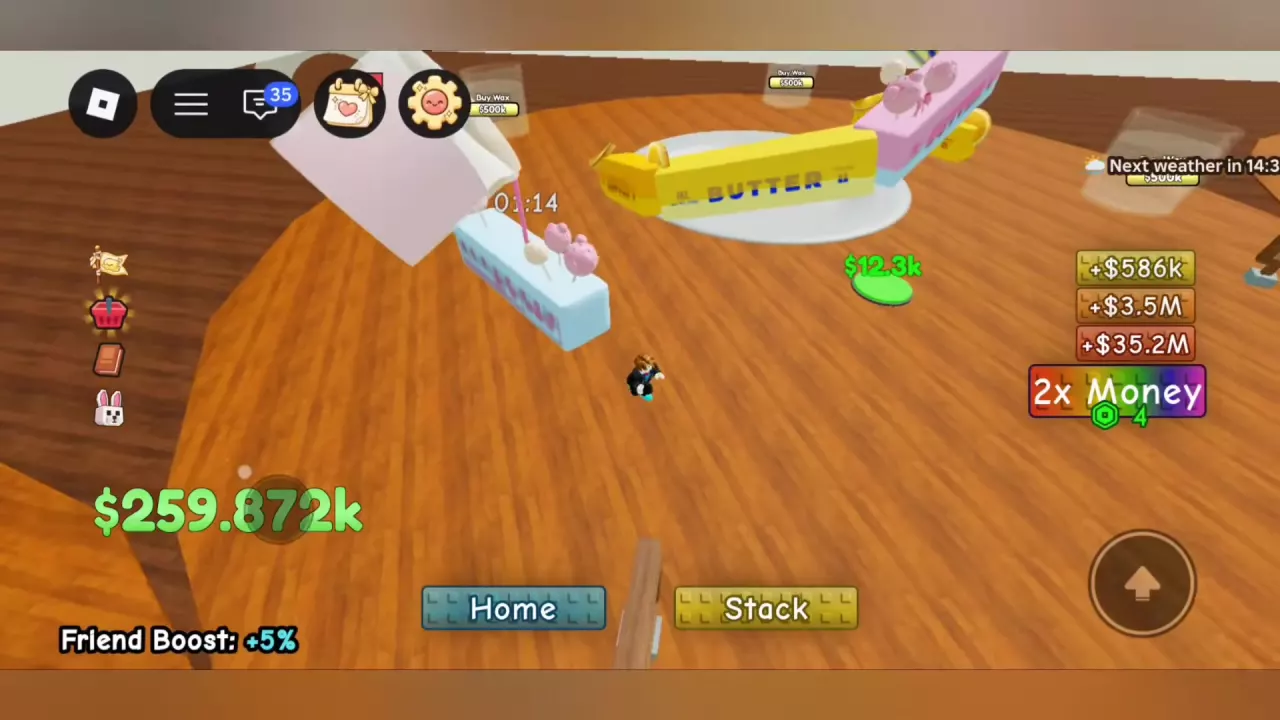
Cake Pop Butter beneath a pouring wax cup with a 01:14 countdown.

Waxing Guide: Timers, Faster Pours and Help

Choose the interaction that solves your current delay:

  • Place Squishy: Starts processing a carried butter at an empty station you own.
  • Finish Wax: Opens a paid option to complete one selected active pour and free that station.
  • Buy Wax: Adds another station for simultaneous processing; it does not shorten an existing pour.
  • Help: Another player can approach your active pour and use E Help to shorten its countdown. Use the updated timer rather than assuming a fixed reduction per help.

The station countdown shows remaining waiting time, not an unboosted base duration. Speed effects and help affect comparisons between pours.

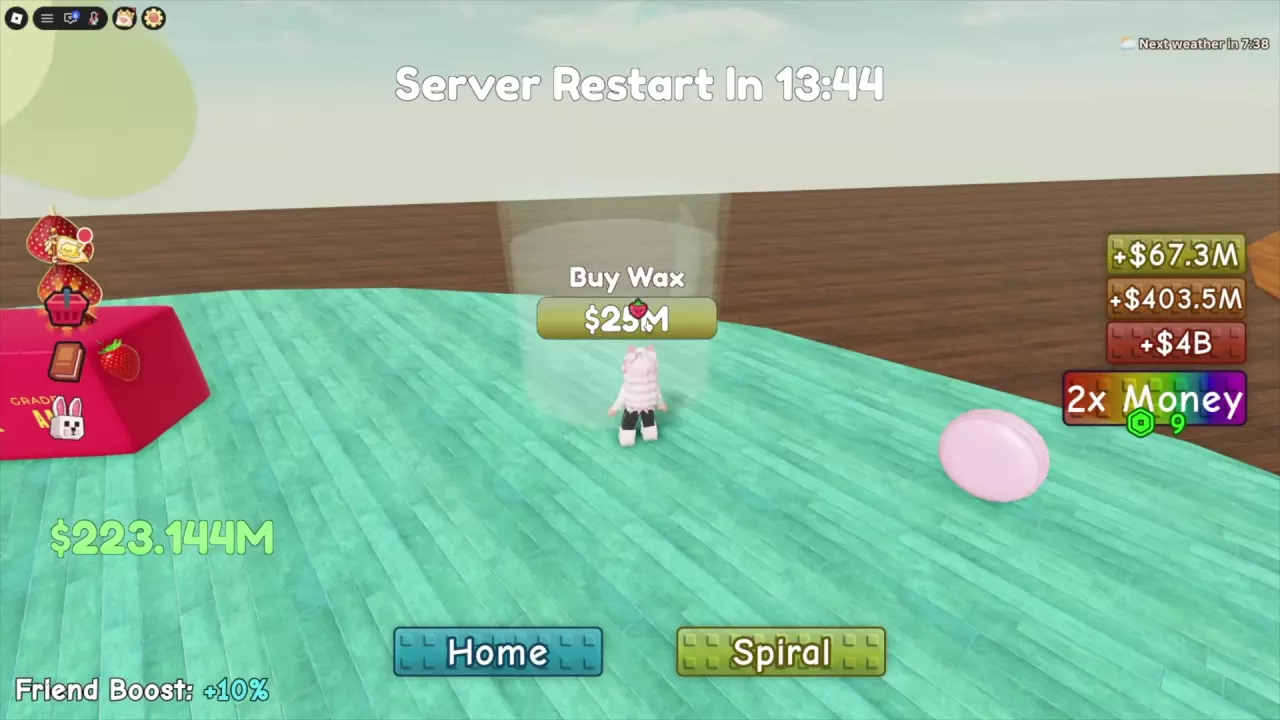
Buy Wax prompt at an unpurchased station position

Wax Station Costs and Floor 2 Requirements

Floor 1 expansion prices:

Station being purchased Cash cost
Second $500
Third $10k
Fourth $500k
Fifth $25M
Sixth $1.25B

Use Buy Wax at an unpurchased position to add it.

Floor 2 requires 6/6 Floor 1 stations plus a separate $31.25B payment at Unlock Next Floor. At 5/6, the final station and floor unlock cost $32.5B total before subtracting your available cash. Having the floor price alone does not satisfy the missing-station requirement.

Money & Rewards

Player standing on the green collection pad beside the butter stack, with wallet cash at the lower left.

Make More Money: Income, Boosts and Spending Choices

  • Compare output in matching units: The Butter Index and crate previews show cash per squish. Edit Stack shows an individual butter’s $/s, while the plate shows the stack’s total $/s in your current setup.
  • Separate pending and spendable cash: The green pad holds accumulated earnings; your wallet holds money available for purchases. Collect the pad before deciding a purchase is unaffordable.
  • Avoid counting a boost twice: Current displayed $/s already reflects the active setup’s Money upgrade. Do not multiply that rate by the same upgrade again.
  • Spend against the bottleneck: With every station busy, compare waiting, finishing one pour and buying parallel capacity.
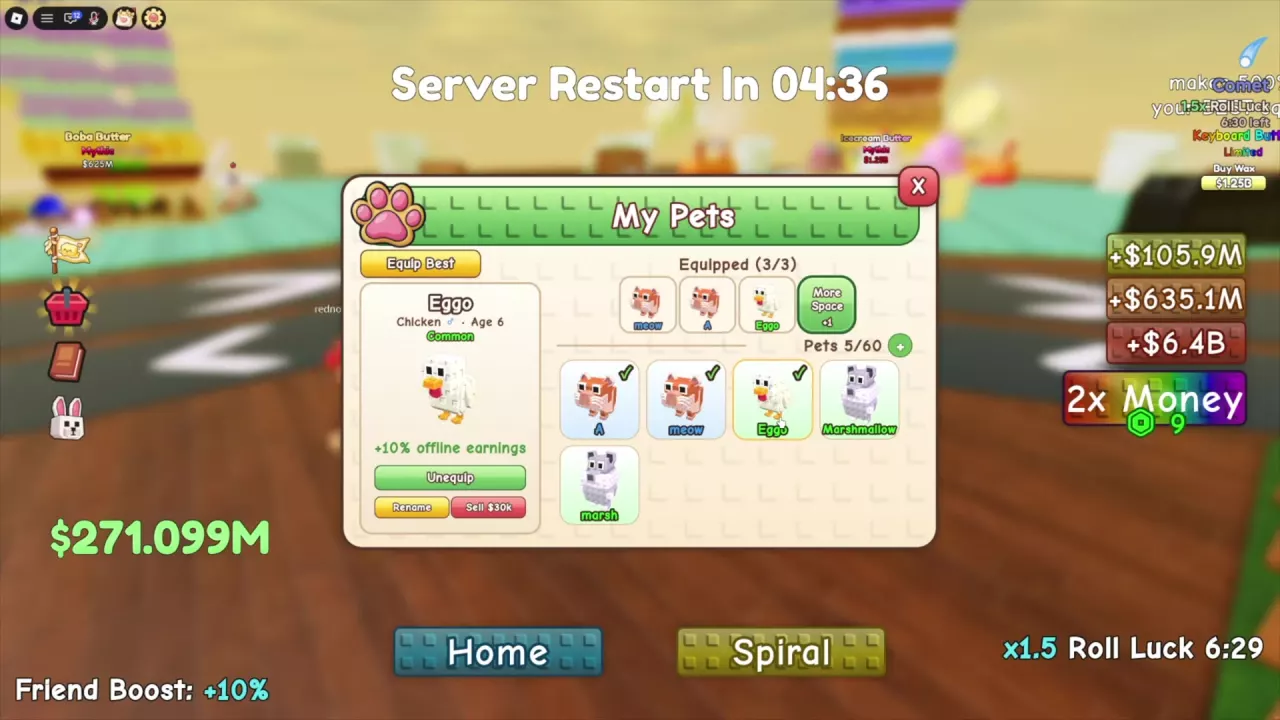
My Pets menu with an equipped Chicken and its offline earnings ability

Offline Earnings and Waxing in Stack A Butter Squishy

  1. Start useful pours before leaving. Put waiting butters into empty, purchased stations. Waxing continues offline, and finished squishies keep earning money.
  2. Prepare your pet loadout. Equip Chicken for its +10% offline earnings ability, freeing an equip slot first if needed.
  3. Claim your return earnings. Use Claim on the Offline Earnings panel for the regular amount. Double It! is a separate paid option; compare its displayed extra cash and Robux price before choosing it.
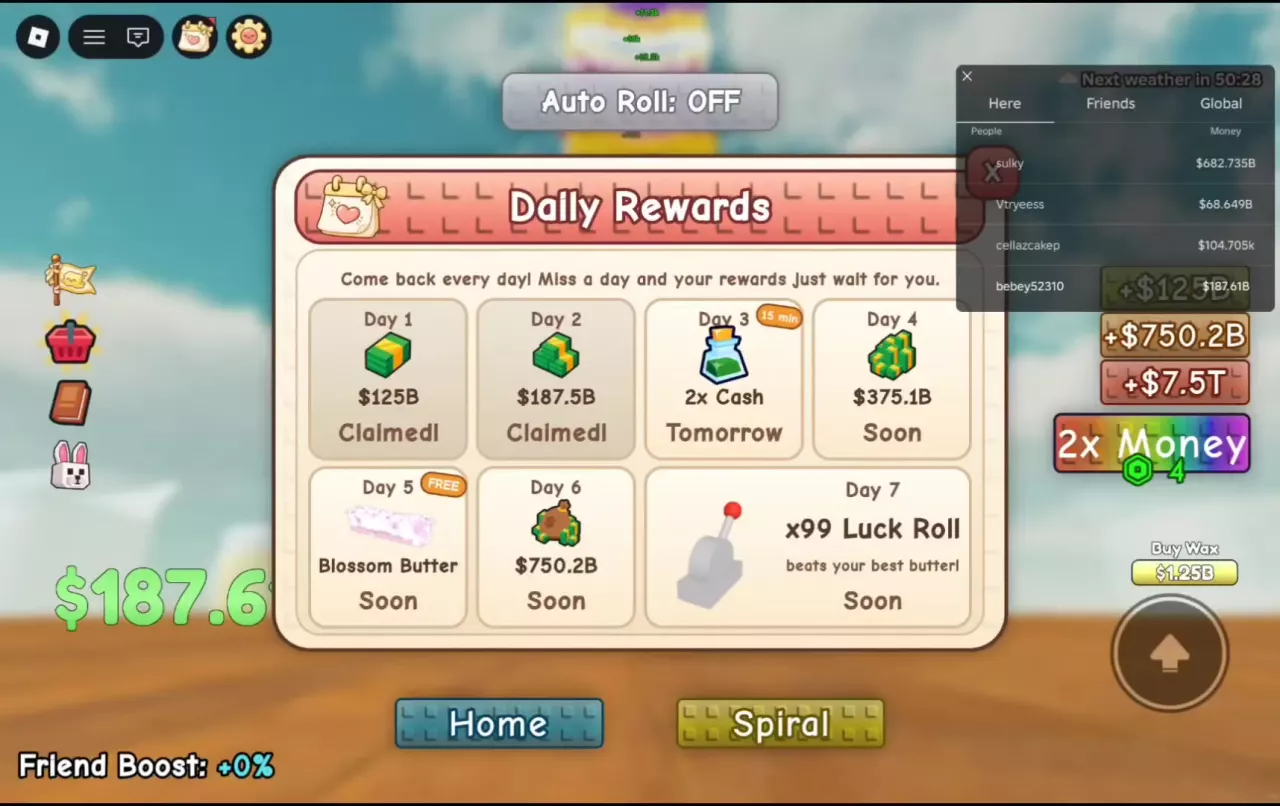
Daily Rewards panel showing Claimed, Tomorrow, and Soon statuses

Daily Rewards: Seven-Day Schedule and Claiming

Open Daily Rewards and select the day marked Claim.

  • Day 3: 15 minutes of 2x Cash.
  • Day 5: The free butter named on your panel—offers can list Blossom or Cake Pop.
  • Cash days: Days 1, 2, 4 and 6 give the cash amount shown on your current panel.

Missing a day leaves the reward waiting for you. Return to the day marked Claim; Claimed means collected, while Tomorrow and Soon mark upcoming rewards.

Guilds

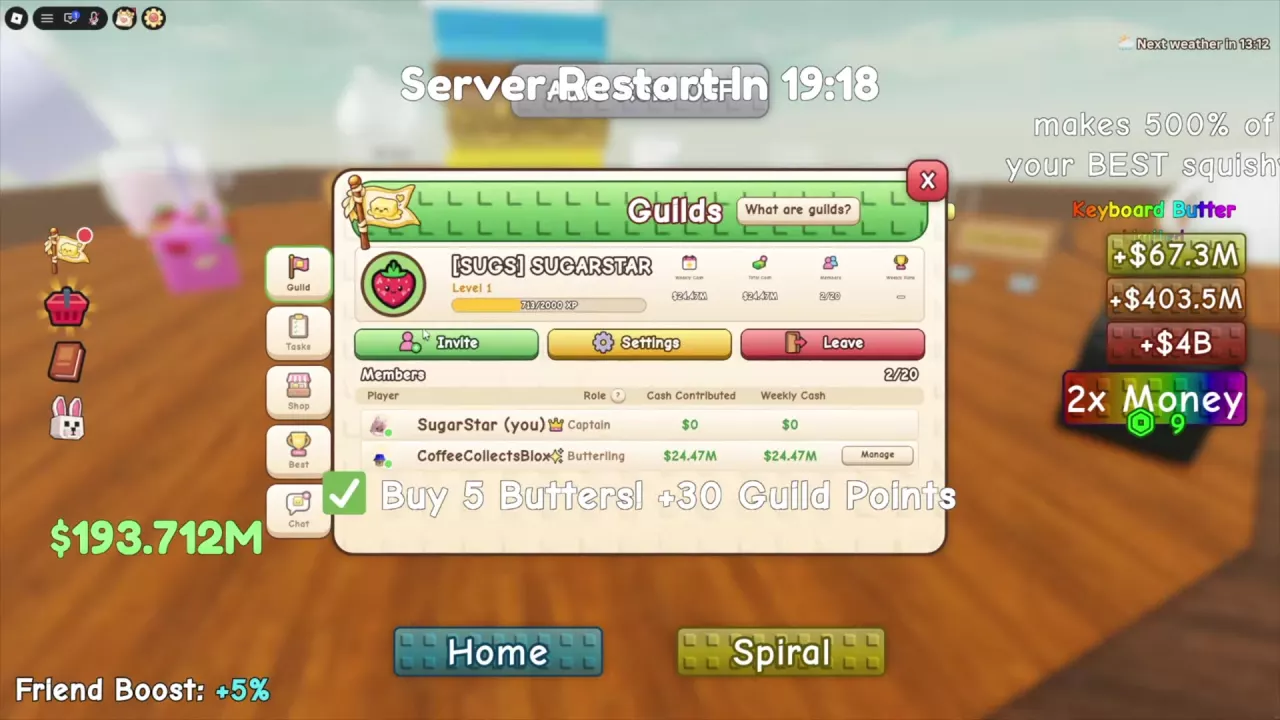
Guild panel showing the XP bar, guild cash statistics, and member contribution columns.

Guilds, Guild XP and Member Benefits

Higher guild levels increase cash and luck benefits for members and unlock more Shop rewards. Open Guilds with the flag icon.

  • Guild XP: Advances shared guild progression.
  • Guild Points: Earned from daily tasks and spent in the Guild Shop.
  • Weekly Cash: Used for weekly guild competition; it is separate from Total Cash.

While participating in guild progression, adopting three different pet kinds awards 100 Guild XP, and reaching 20 butter types in the Index awards 150 Guild XP. These milestones count kinds or types, not duplicate copies.

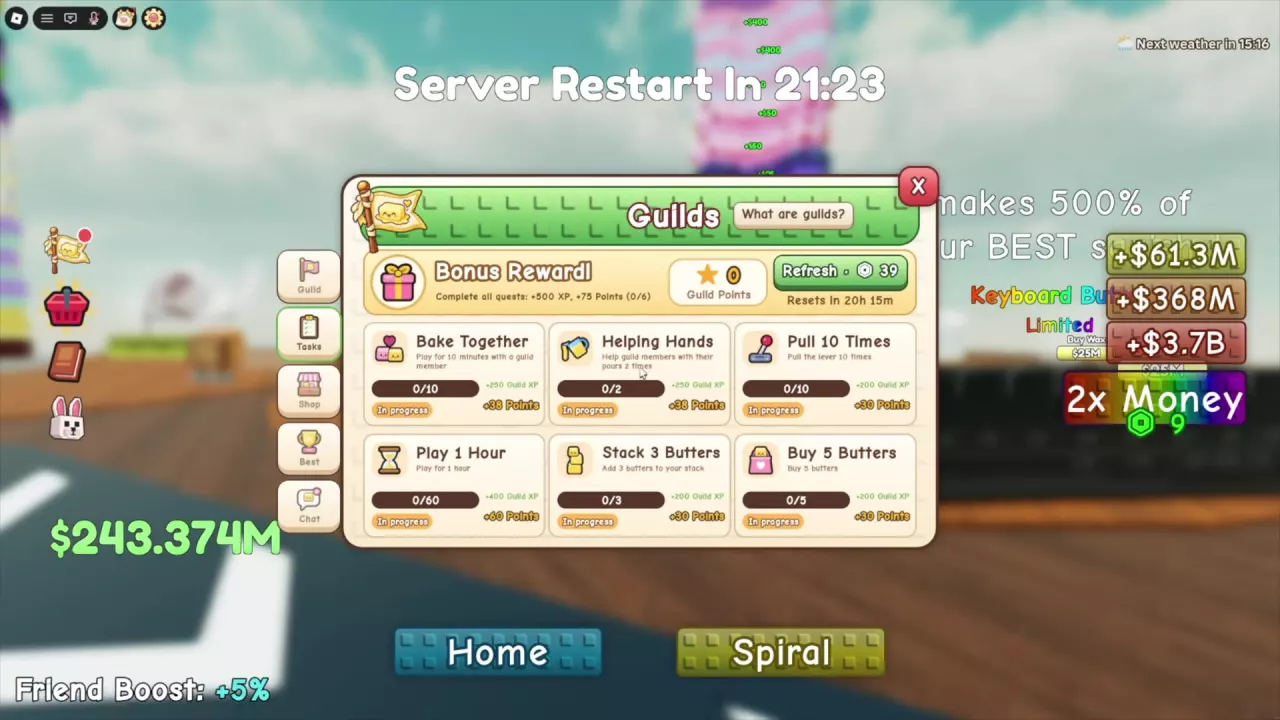
Guild Tasks menu showing six objectives and the completion bonus

Guild Tasks and How to Earn Guild Points

Complete the six listed tasks for 301 Guild Points and 2,000 Guild XP, including the all-task bonus. Track progress under Guilds → Tasks.

Helping Hands requires two qualifying helps and awards 38 Guild Points plus 250 Guild XP:

  1. Find a guild member’s station with a pour still running.
  2. Approach the butter and press E Help; “You helped!” confirms success.
  3. Help another active station belonging to a guild member to complete the two-help objective.

Combine these helps with your normal pulling, buying and stacking tasks while working toward the full set.

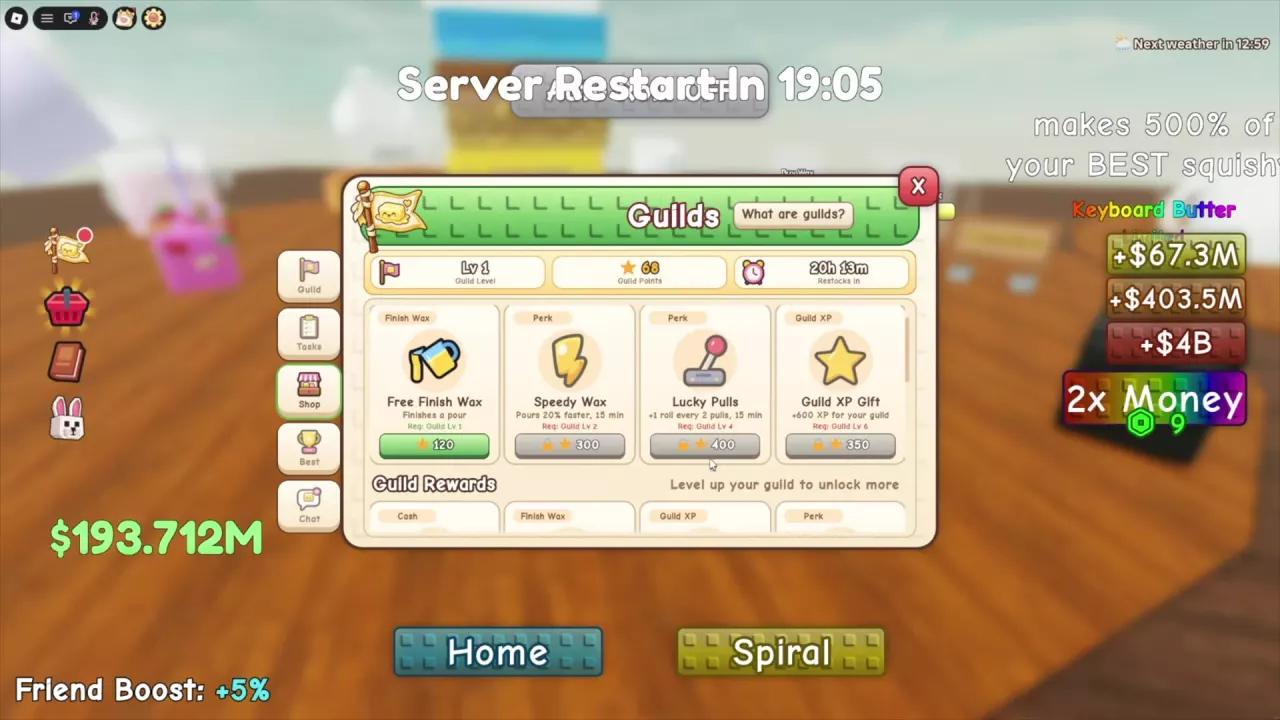
Guild Shop upper offers with the Shop tab, Guild Level, points balance, and restock countdown visible.

Guild Shop Rewards, Costs and What to Buy

Open Guilds → Shop and choose by your processing bottleneck. Matching names in the upper shop and Guild Rewards have different offers.

  • One blocked pour — Free Finish Wax: Finishes one pouring job. Both offers require Guild Level 1; the upper offer costs 120 Guild Points, while Guild Rewards costs 150. If both are available, 120 points buys the same listed one-pour result for less.
  • Ongoing processing — Speedy Wax: Both offers give +20% pouring speed while active. The upper offer requires Level 2 and costs 300 points for 15 minutes. Guild Rewards requires Level 3 and costs 250 points for 10 minutes. Choose the longer window if you will use it, or save points on the shorter one.

Stacks & ASMR

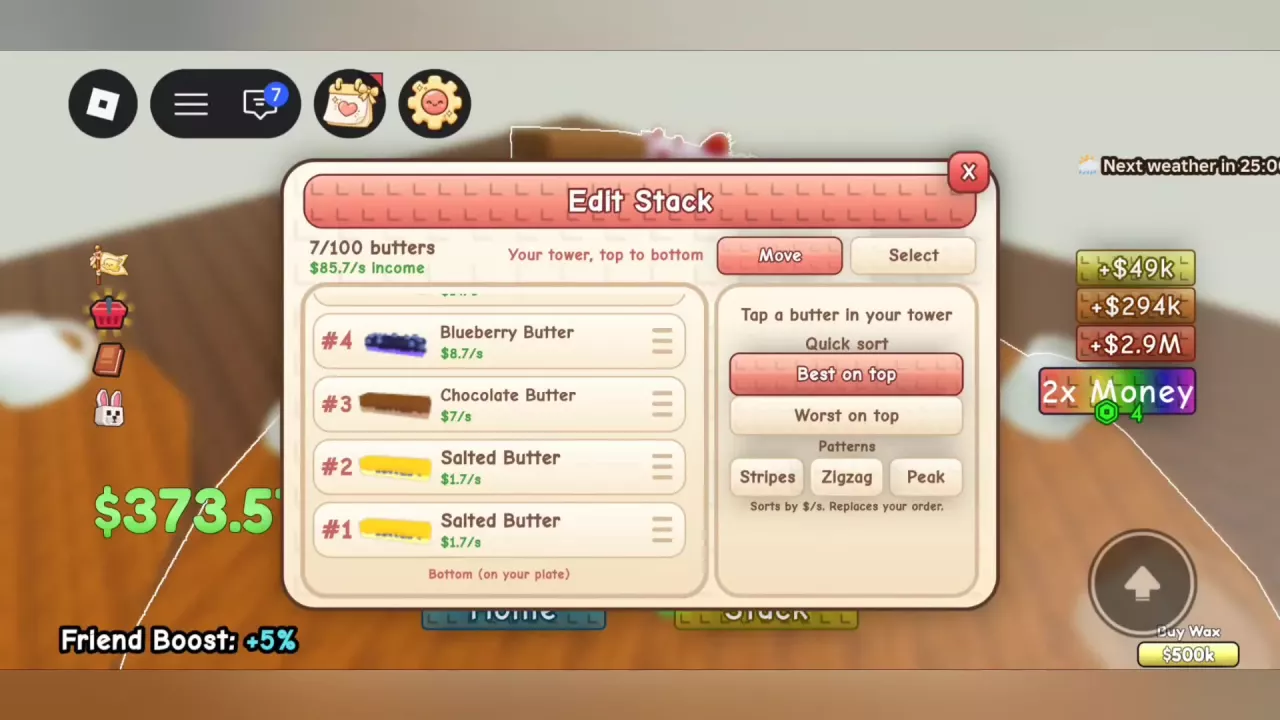
Edit Stack in Move mode with row drag handles and position #1 marked at the plate.

Build, Edit and Sort Your Butter Stack

  • Build the count: Your stack holds 100 individual butters. Each finished pour adds a butter; duplicate types count too.
  • Move a favorite: Open Your Stack → Edit Stack, select an entry and move or drag it. Position #1 sits directly on the plate.
  • Sort for arrangement: Best on top and Worst on top use current displayed $/s. Sorting changes order without increasing income.
  • Remove selectively: Read the selected entry’s Remove offer. Limited butters stay under the editor’s removal rule.
  • Spread the tower: Choose Spiral for a walkable path, then Stack to return to a vertical tower.
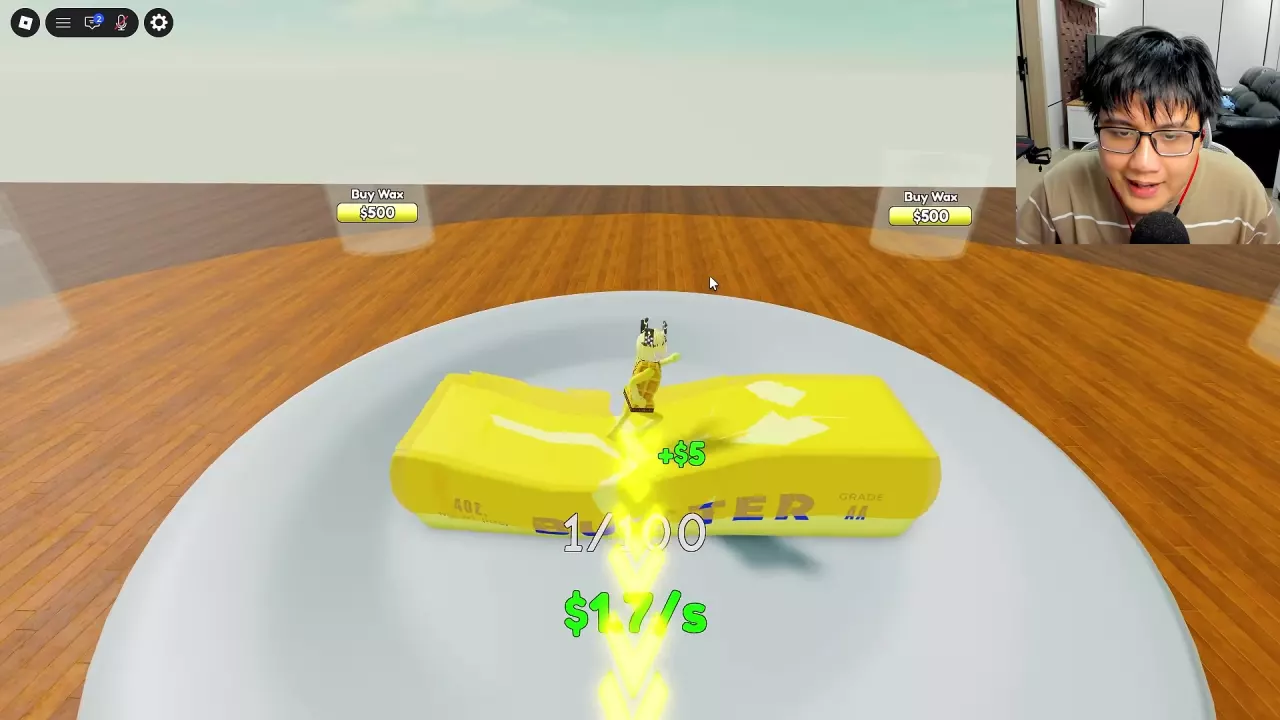
A character pressing a deep dent into Salted Butter on a plate.

Butter Sounds and Squish Effects to Try

Walk or jump on a butter to squish it. Choose an effect you enjoy:

  • Popcorn: A crunchier stepping sound.
  • Mozzarella: Press the finished butter to separate its orange outer sections and reveal white cheese. Its purchase-stage appearance is pale white.
  • Blossom: Flower decorations and falling petals.
  • Spicy: Chili decorations and flame particles.

Use Spiral to reach several different surfaces, or move a favorite closer to the plate in Edit Stack for easier repeat visits.

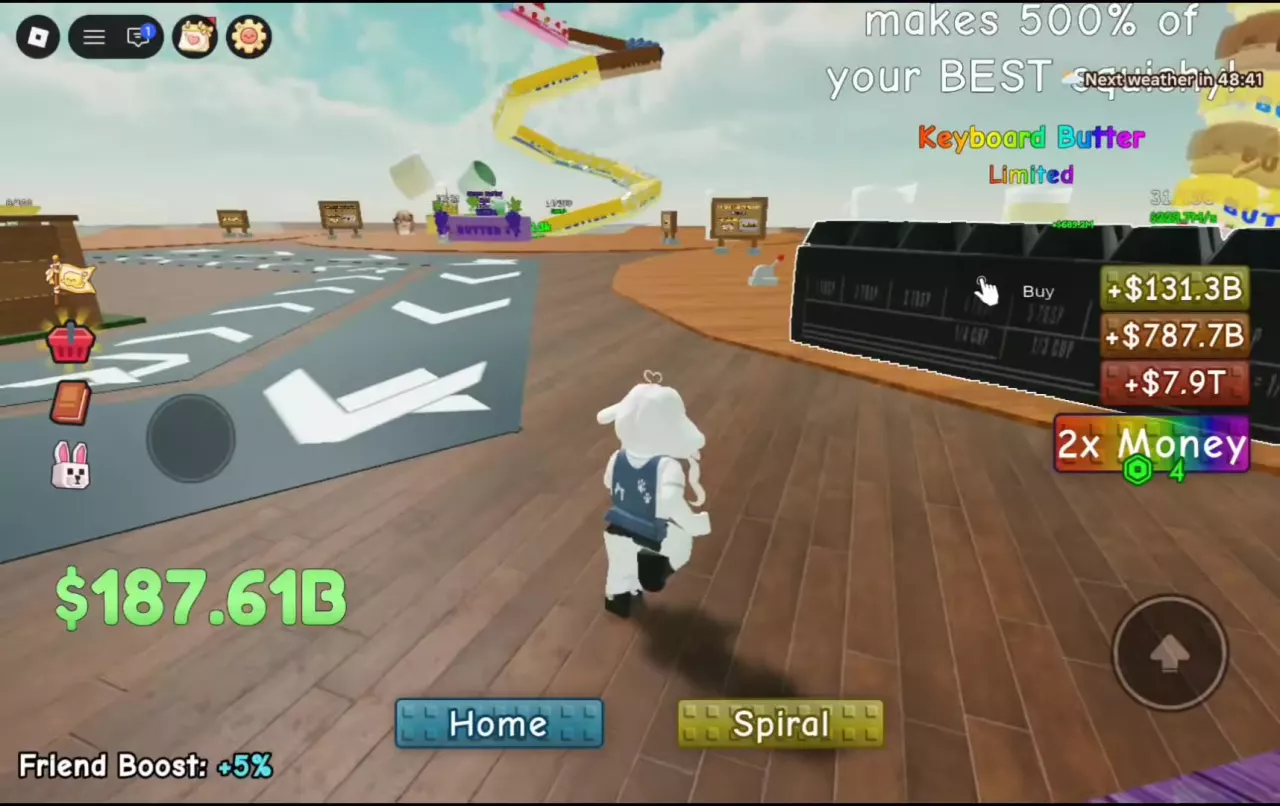
The Limited Keyboard Butter display with its Buy prompt

Keyboard Butter: How to Buy It and What 500% Means

500% of your best squishy means 5× its output. Keyboard Butter’s advertised output scales with your best squishy, so improving that reference butter improves Keyboard’s scaling value.

Use Buy at the black Limited Keyboard display to open Get LIMITED Squishy. The Plus offer is 2,000 Robux, with 2,499 Robux crossed out; a nearby $0 display does not make this a free purchase.

After purchase, carry it to a Wax Station and finish processing before it joins your stack. Walk across its raised keys for keyboard sounds.

Leaderboards

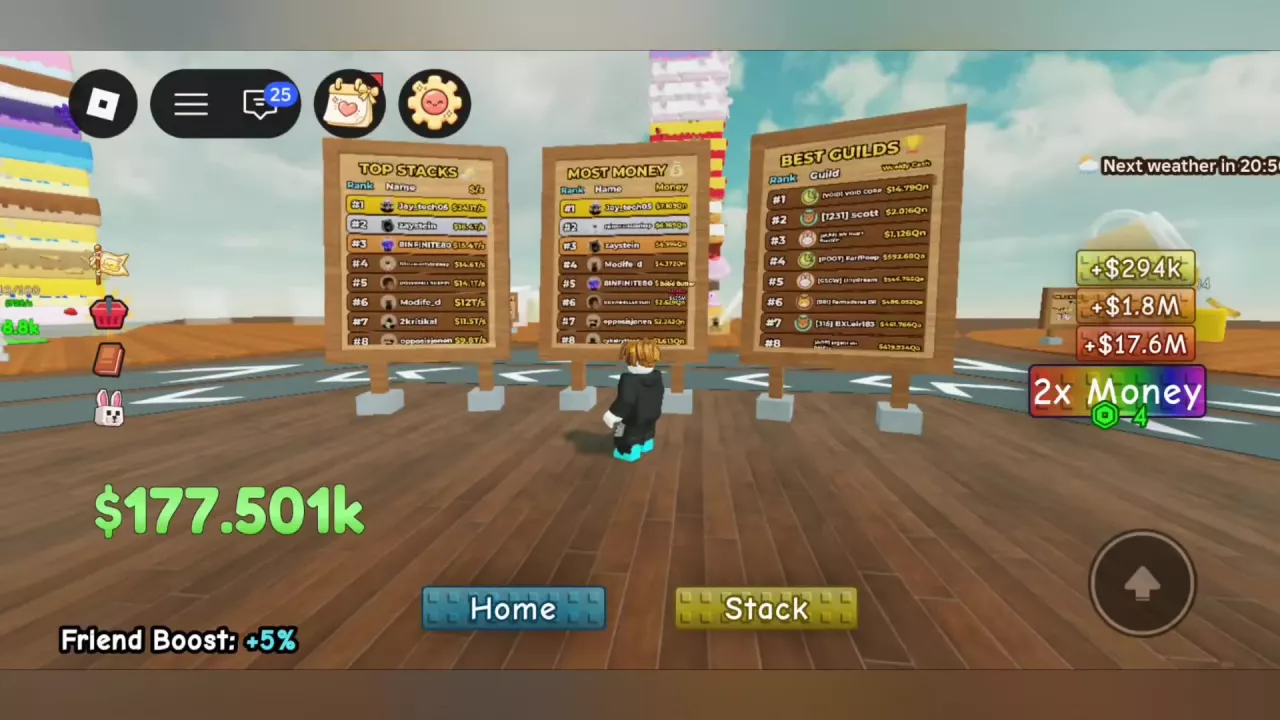
Top Stacks, Most Money, and Best Guilds boards in the central plaza

Where to Find Leaderboards and What They Rank

Find all three boards in the central plaza:

  • Top Stacks: Ranks players by cash per second ($/s).
  • Most Money: Ranks players by the Money statistic.
  • Best Guilds: Ranks guilds by Weekly Cash, separate from personal income rate or guild Total Cash.

You can also open Guilds → Best for guild rankings. Your guild’s main page displays its Weekly Rank.

Base Skins

Blossom Garden preview on a base with a countdown and Done button

Base Skins: Unlocks, Prices, Preview and Equip

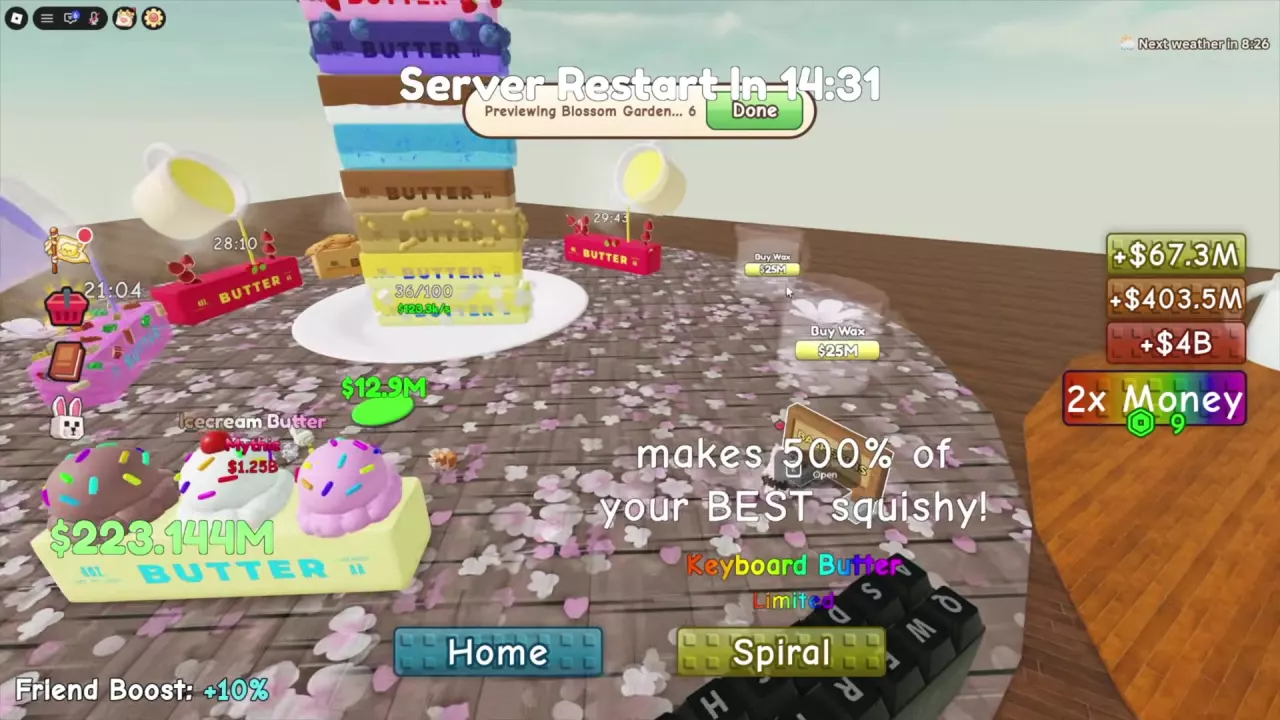
Preview before buying: Press E Open at the Base Skins sign, select a skin and choose Preview on my base. Done or the end of the countdown restores your equipped appearance. Locked Ube Dream and Ice Cream Parlor can still be previewed.

  • Macaron Cafe: $10M cash.
  • Blossom Garden: Requires Find a Legendary, with a $500M cash purchase when the Buy option is available. Meeting the discovery requirement and paying the price are separate requirements.

Select an owned skin to equip it again. Classic stays owned after switching, so you can return to the wooden starting appearance.

Game Passes

Shop showing gift buttons on the Auto Roll and Fast Wax cards

Game Passes: Prices, Benefits and What to Buy

  • VIP — 149 Robux: Permanent +50% Money, base customization, a VIP chat tag and a VIP name tag. Base customization does not make every separately priced skin free.
  • Fast Wax — 249 Robux: Permanent 50% faster waxing. Super Fast Wax provides 100% faster waxing and replaces Fast Wax; the bonuses do not stack. Super Fast Wax is listed as not for sale. These percentages describe speed, not an equal percentage reduction in waiting time.
  • Pet Inventory: +50 spaces costs 120 Robux; +100 costs 280 Robux. These expand owned-pet storage, not equipped slots.

Updates

Update 5: The Trading Update

The Trading Update announces pet trading, Sugar Rush butters, Exotic pets, guild features and a Halloween Pass revamp.

Quality-of-Life Update

Planned quality-of-life changes cover guild history and weekly resets, roll controls, pet loadouts and floor navigation.

Recent articles

FAQ

Why can't I afford a butter when my collection pad shows enough cash?

The pad holds pending earnings. Walk onto it to transfer that cash into your wallet, then return to the butter’s Buy prompt. Purchases use your wallet balance. See cash collection and income.

Do duplicate butters increase my Index progress?

Copies increase your stack’s individual butter count and can contribute income. Index milestones count different butter types. To expand your collection, acquire a missing type, finish its waxing and review Index → Butters.

Will buying more Wax Stations make an active pour finish sooner?

No. Each added station lets another butter process at the same time. To shorten an existing wait, use help or a speed effect; Finish Wax completes one selected pour after payment. Compare waxing options with station expansion costs.