
How to Give Butter in Stack A Butter Squishy
Last updated:
Give a carried butter squishy to another player using the nearby Give prompt.
Carry the Butter and Use Give
- Hold the butter squishy you want to give.
- Walk close to the intended recipient until E Give appears.
- Use E Give to attempt the handoff.
The Give prompt can appear for Mozzarella Butter and Mochi Butter obtained from a crate. If you would rather exchange a held butter for cash, see how to sell a held butter.
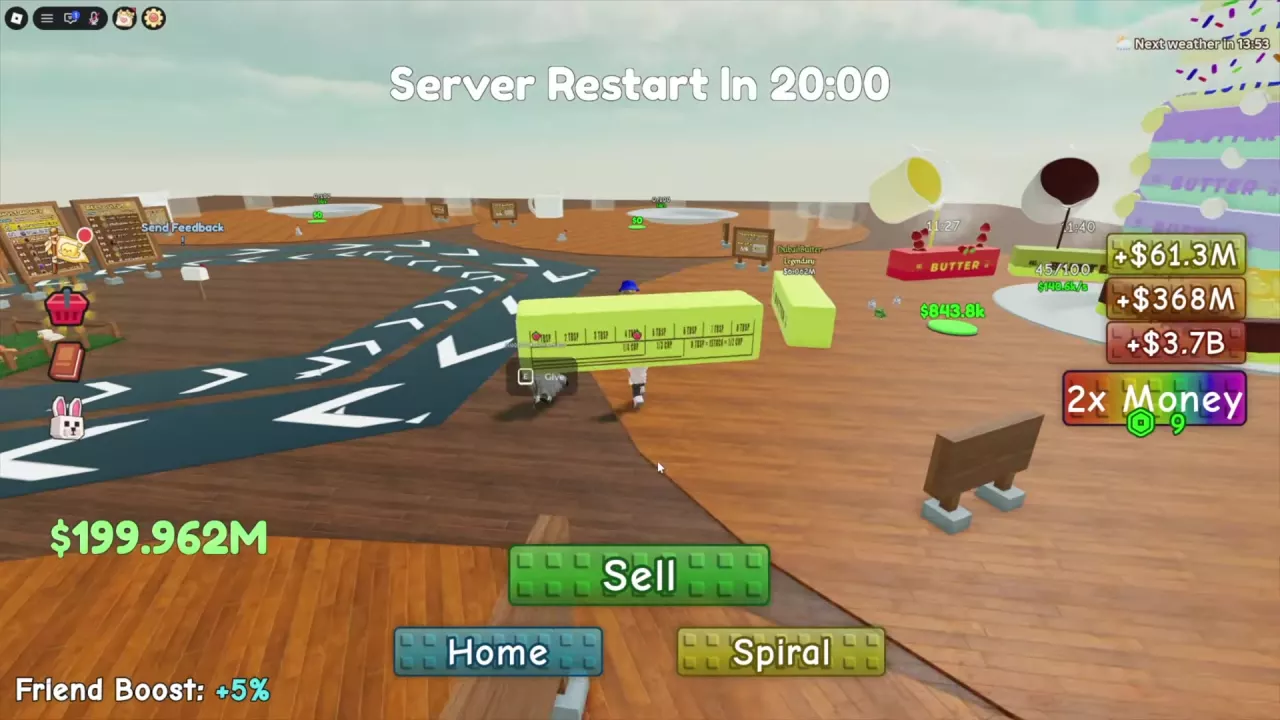
Wait Out the Gifting Restriction
If “Can't give squishy until” appears with a countdown, the handoff is temporarily blocked. Keep holding the butter, wait for the displayed time to run out, and use Give again.
Related guides
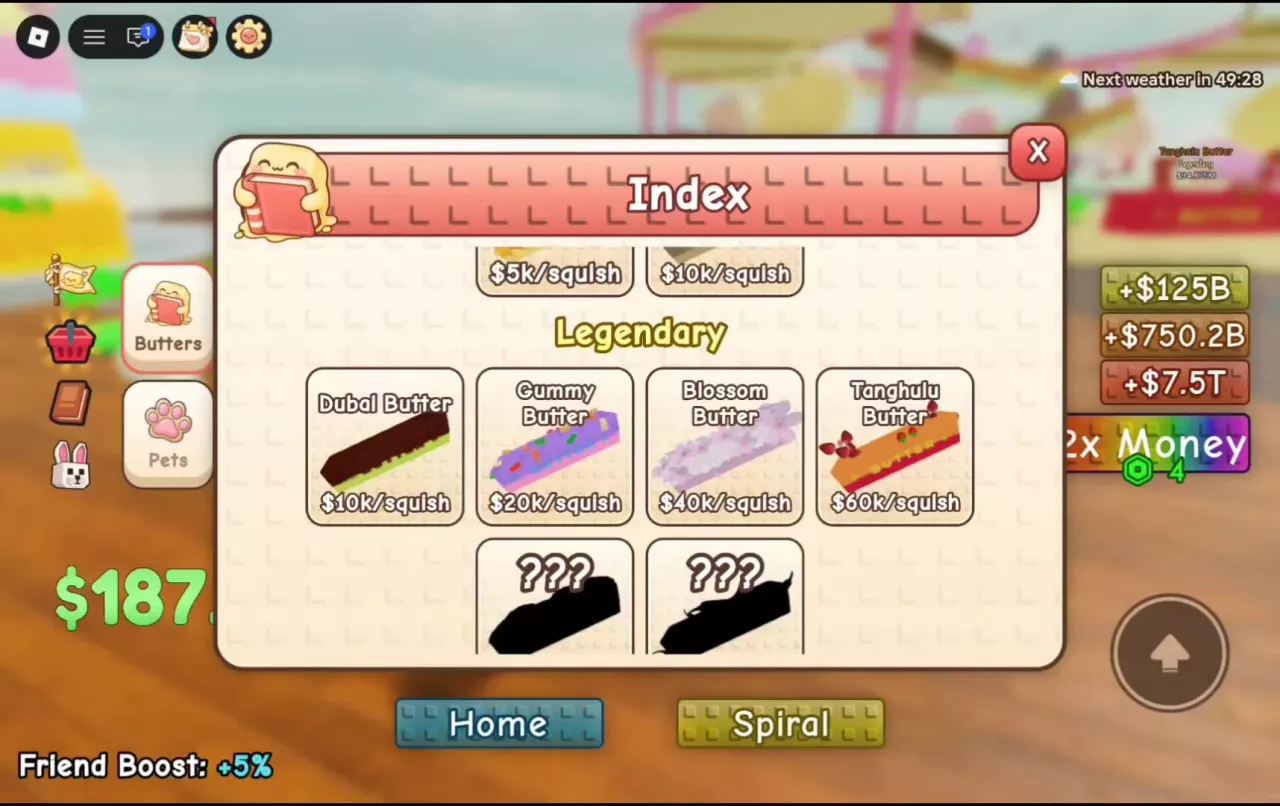
Stack A Butter Squishy Butter List, Prices and Rarities
Browse 30 butters in Stack A Butter Squishy by rarity, price and per-squish income. Compare acquisition routes and learn how to discover missing types.
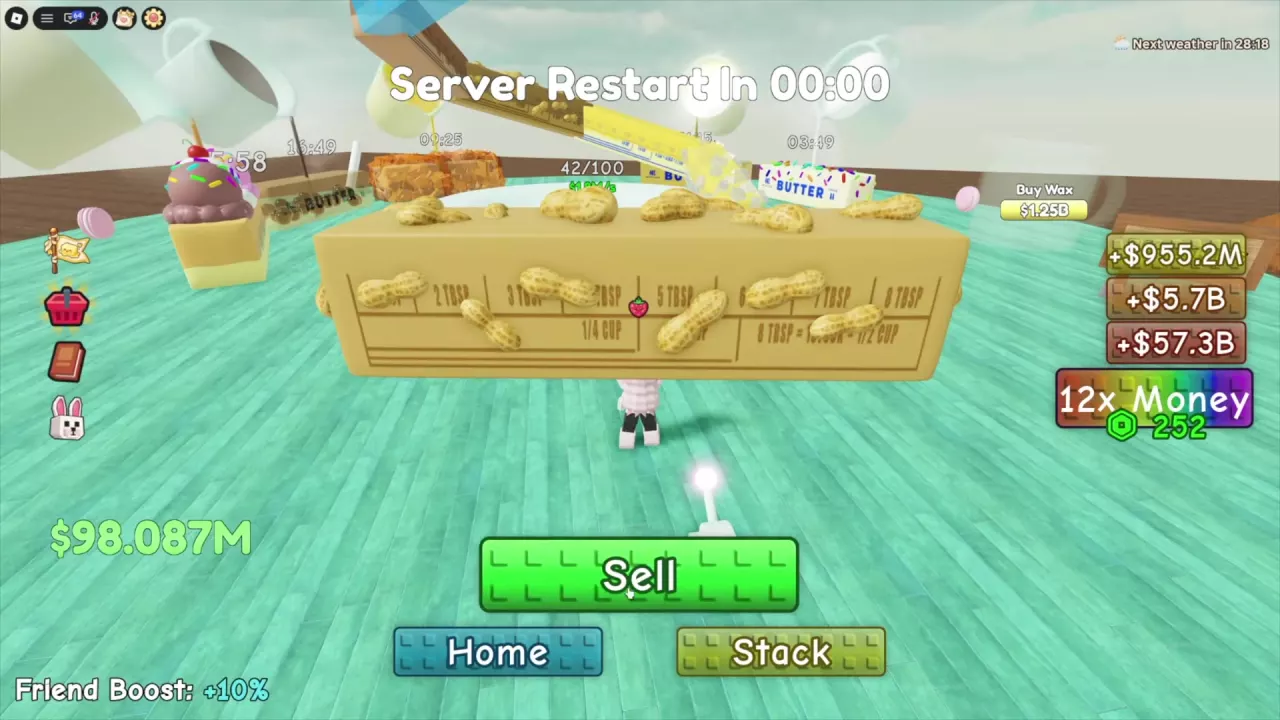
How to Sell Butter in Stack A Butter Squishy
Learn where to find Sell in Stack A Butter Squishy, how to clear a held butter, and what individual cash return examples mean.
Stack A Butter Squishy Game Passes: Prices and Best Uses
Compare Stack A Butter Squishy game pass prices, VIP benefits, wax-speed upgrades, pet capacity and sale status.