
How to Sell Butter in Stack A Butter Squishy
Last updated:
If you bought a butter squishy you no longer want to process, you can sell it while carrying it and recover cash.
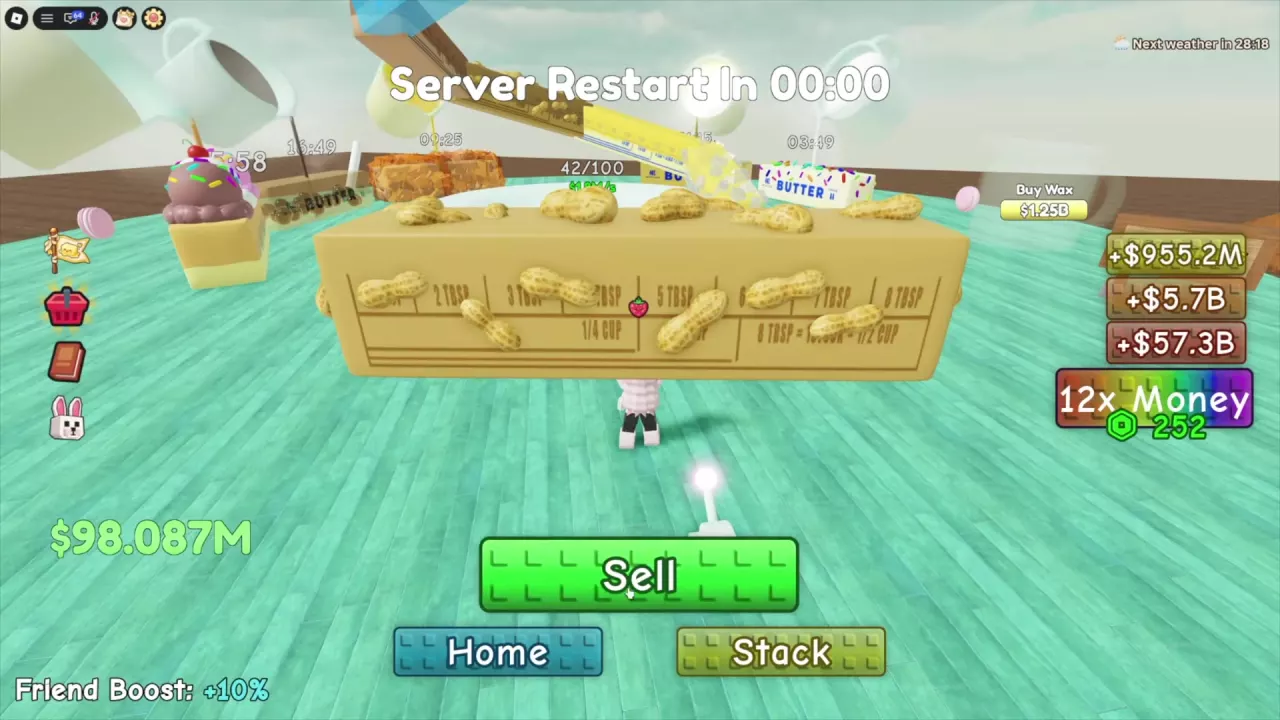
Use Sell While Carrying a Butter
- Hold the butter squishy you want to sell.
- Find Sell at the bottom of the screen and click it.
- The butter disappears from your hands and the sale cash is added to your balance. You can then continue with another item.
This is useful when you buy a roll result but decide not to wax it. Sell also appears while carrying Mochi Butter obtained from a crate.
How Much Cash Do You Get Back?
The amount returned depends on the transaction; do not assume every butter sells for its full purchase price. In one Spicy Butter transaction, the balance rose by $97M as the butter disappeared.
In another transaction, Marshmellow Butter was listed for $9.7k. After it was bought and sold, the abbreviated balance rose from $764.811M to $764.821M, or approximately $10k at that display precision. A purchase price, a stack removal quote and cash received from Sell are separate figures.
Selling a Held Butter vs. Removing One From Your Stack
For a butter already on your plate, open Edit Stack and look for Remove. The held-butter Sell button is for the item you are carrying. See the stack management guide for removal and other stack controls.
If your goal is to discover a new type instead, keep the butter, finish waxing it and check your collection in the butter index.
Related guides
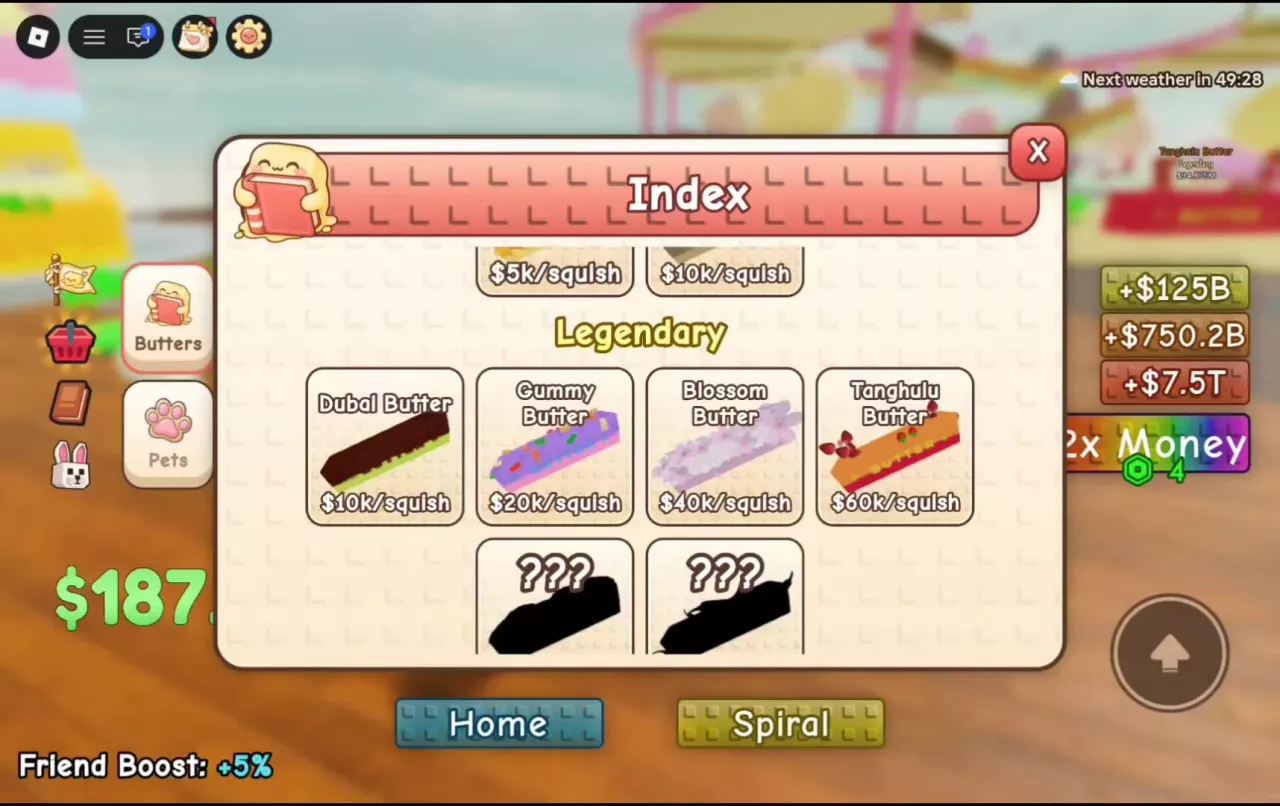
Stack A Butter Squishy Butter List, Prices and Rarities
Browse 30 butters in Stack A Butter Squishy by rarity, price and per-squish income. Compare acquisition routes and learn how to discover missing types.
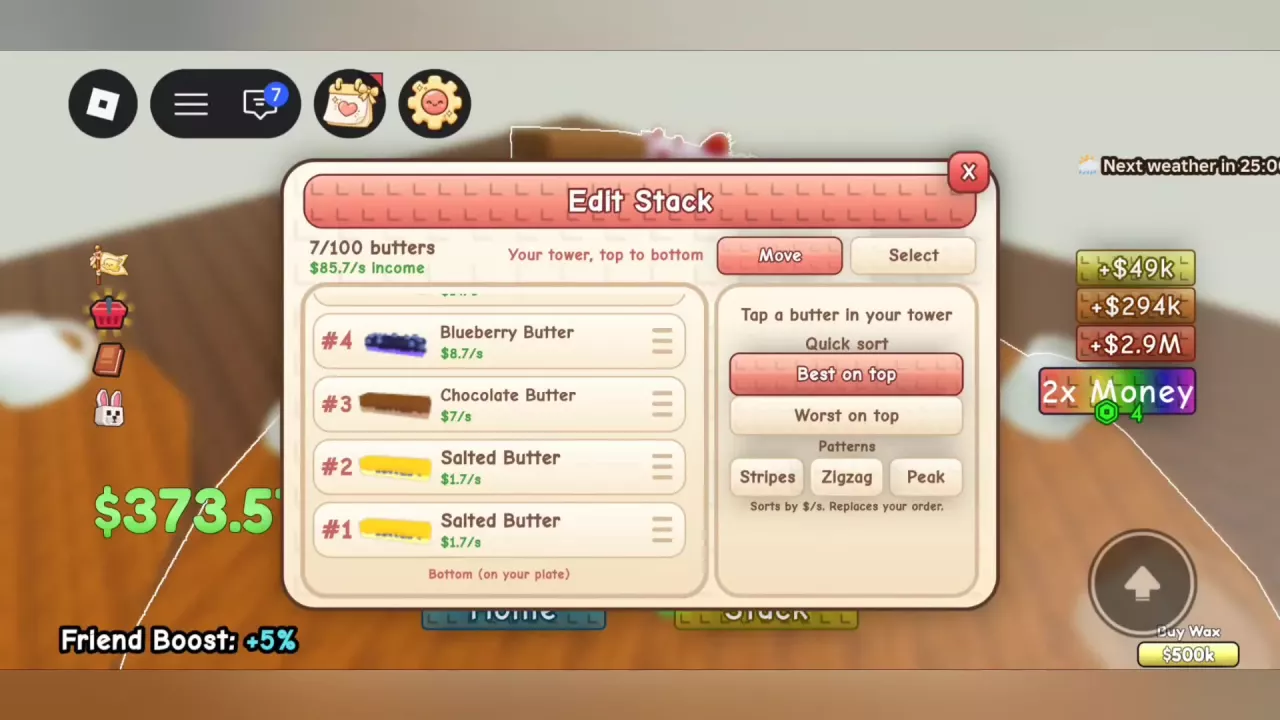
Stack A Butter Squishy Stack Guide: Build, Edit and Sort
Build toward 100 butters in Stack A Butter Squishy, move and remove entries, compare five sorting patterns, and switch between Spiral and Stack.
How to Give Butter in Stack A Butter Squishy
Learn how to give butter to another player in Stack A Butter Squishy and what to do when a gifting countdown appears.
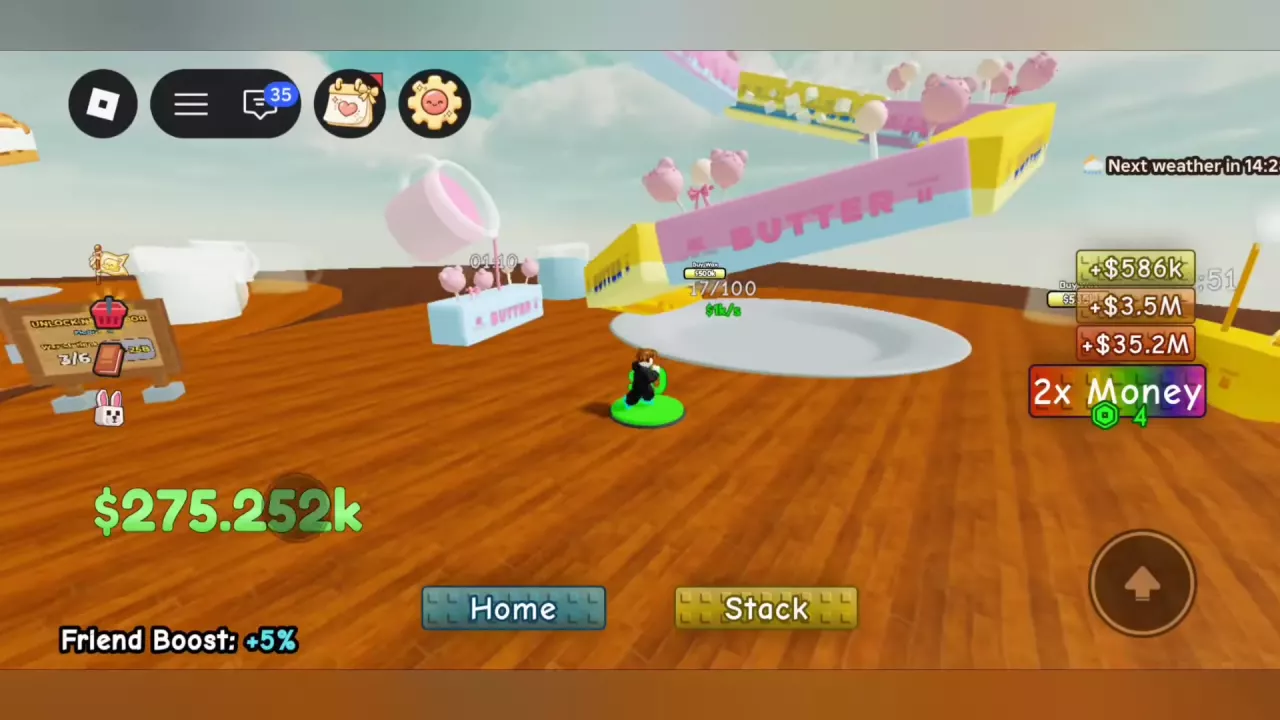
How to Make Money in Stack A Butter Squishy
Learn how to make money in Stack A Butter Squishy: collect cash, read income rates, compare boosts, and choose your next butter, pet or wax upgrade.